A theme your team runs
Configurable sections with settings written for merchandisers, not developers.
NEW STORES, THEMES AND DESIGN-TO-SHOPIFY BUILDS
A custom Shopify storefront built from your brand and your buyer data, not a retrofitted template. We design, build and launch the whole thing, then keep improving it.
IN SHORT
Four ways we build. The right one is usually obvious once the question is phrased as a situation rather than a service.
Brand, information architecture, templates, theme code and launch. The whole thing, built around your catalog rather than retrofitted from a template.
Send the files. We build them into an Online Store 2.0 theme section by section, quote it fixed, and design the states the file did not cover.
Extend what you have with maintainable sections, built to theme convention so the next Shopify update costs hours rather than days.
A finite set of sections your merchandisers compose pages from, so the fiftieth landing page costs what the first one did.
They are listed separately because they are quoted separately, not because they happen separately. The common shapes:
Not every brand needs one. A well-chosen Theme Store theme, customized properly, gets a lot of stores further than agencies like to admit, and it launches in weeks rather than months.
A custom build earns its cost when the template starts fighting the business. That usually looks like one of four things: variant logic a theme was never designed for, a configurator or personalization flow that has to produce a fulfillable order, a content-heavy merchandising model where the catalog is the story, or B2B and wholesale rules sitting alongside DTC.
If none of those are true, we will tell you so on the call. Customizing your existing theme is often the right recommendation. See theme customization.
| Theme Store theme | Custom build | |
|---|---|---|
| Time to launch | Weeks | 8 to 20 weeks |
| Upfront cost | Low | Higher, quoted to scope |
| Fit to your catalog | Good if conventional | Built to it |
| Unusual variant logic | Fights you | Designed in |
| Configurators | App or not at all | Native to the theme |
| Performance ceiling | Set by the theme author | Yours to set |
| Editing after launch | Theme settings | A section library built for your team |
| Best for | Getting to market | A store you will run for years |
Six stages. The first two decide most of what the last four cost.
Two weeks inside your analytics, support tickets and merchandising. We agree the numbers we are moving before anything is designed, which is what stops a build becoming a redesign with no thesis.
Catalog structure, navigation, collection logic and template inventory. Decided before design, because information architecture is the thing most expensive to change later.
Templates designed against your real products and real copy, reviewed as a working prototype rather than static mockups, so you judge the thing, not a picture of it.
Built section by section as Online Store 2.0 sections and blocks, with schema settings your team controls. Two-week increments, staging links throughout.
Apps, tracking, ERP and fulfillment wired in, then tested on real devices against a performance budget rather than a lab score.
Redirects, analytics and app configuration checked before DNS. Then two weeks watching checkout, Core Web Vitals and error logs, when problems surface.
A custom theme is not a set of hand-coded pages. It is a library of Online Store 2.0 sections (each one configurable through schema settings) that your team composes into pages in the Shopify editor.
The difference matters six months in. A hardcoded page needs a developer every time the campaign changes. A section library means marketing ships a landing page on Tuesday without opening a ticket. It is also why we build the library as a deliverable rather than a side effect: see section libraries.
Configurable sections with settings written for merchandisers, not developers.
Agreed before the build, measured on real devices, enforced before launch rather than audited after it.
Keyboard navigation, focus states, contrast and semantics handled as part of the build.
How the theme is structured and how to extend it, so you are never locked to one developer.
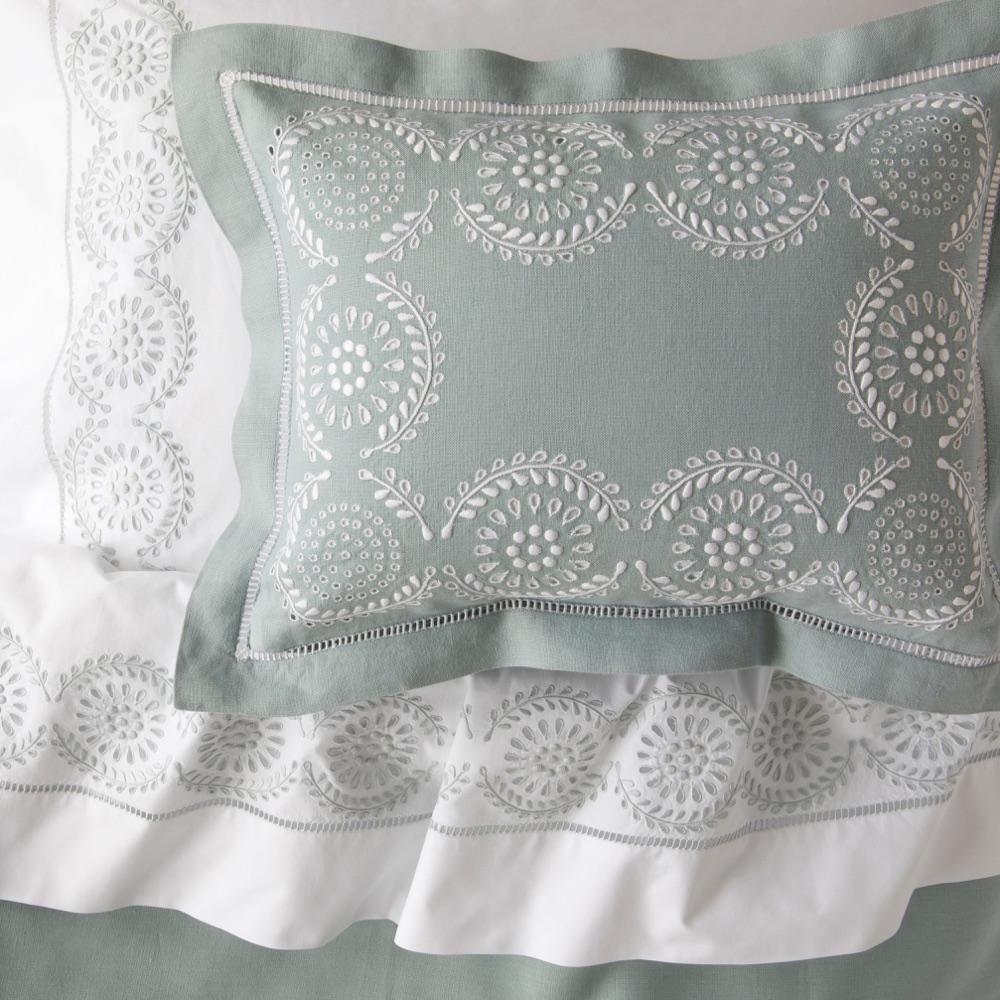
Julia B. Casa sells handmade, hand-embroidered bedding, table linens and towels, each of which can carry the customer's own monogram. We launched its Shopify Plus store with a four-step monogram builder and a shop-by-look gallery, and built a back office where vendors design, send for approval, produce and ship each personalized order through FedEx.
READ THE STORY →Mighty Jaxx is a Singapore designer toy and collectibles company, founded in 2012. We built its storefront as a headless site on top of Shopify, with a rewards scheme and a scan-to-authenticate flow for its NFC-enabled figures, and we support the store day to day.
READ THE STORY →Julia B sells luxury artisan linens across bedding, table linen, towels and outdoor, a catalog where the merchandising is the product story. Grays we migrated and relaunched entirely. Mighty Jaxx and SWAK Designs we build and run day to day.
The ones that come up before a scoping call. Anything specific to your catalog is what the free audit is for.
Most builds run 8 to 20 weeks from discovery to launch. Catalog size, the number of integrations and how many storefronts you need are what move that number.
Buy a theme when your merchandising fits a conventional structure and speed to launch matters most. Build custom when your catalog, buying journey or brand needs something a template fights: a configurator, unusual variant logic, or a content-heavy merchandising model.
Both. Plus earns its cost when you need checkout customization, multiple storefronts, B2B or higher API limits; otherwise standard Shopify is usually enough at launch and you upgrade when one of those becomes true.
Yes, that is the point of building on sections. Pages are composed from configurable sections with schema settings, so merchandisers change layout, copy and imagery without a developer.
It is quoted after a scoping call rather than from a price list, because cost follows catalog size, integrations and template count. You get a fixed-scope quote in writing before any contract.
Already on another platform? Start with migration. Have designs ready? See Figma to Shopify. After launch, most brands move onto optimization and a development retainer.
NEXT STEP
A senior Shopify engineer reviews your storefront, theme performance and checkout, then sends a prioritized list of fixes.