JEWELRY · US & AUSTRALIA · MOONGLOW.COM
Moonglow: Moon-phase calculator and builder
Moonglow sells jewelry set with the moon as it looked on a date that matters to you. Shoppers were stuck on how it works, so we built a moon-phase calculator that shows the real moon for any date, and a builder that turns that date, an engraving and a metal into a piece of jewelry. Sales are up more than 25%.
IN SHORT
- Moonglow sells jewelry set with the moon as it looked on a birthday, anniversary or other date the buyer chooses.
- Shoppers did not understand how the product worked or how their own piece would look, so we built a calculator that shows the moon for any date.
- We also built a customizable builder with engraving, metals and jewelry types, and collections for Harvest Moon and Halloween.
- Sales grew more than 25% after the tool launched, and the store runs in the US, Australia and further markets.
The challenge
Moonglow's jewelry carries a picture of the moon as it looked on a date the buyer chooses: a birthday, an anniversary, an engagement, a child's birth. The idea is simple to say and hard to picture. A shopper had to imagine what the moon looked like on their date, how it would sit in a necklace, ring or bracelet, and what an engraving would add.
The client came to us frustrated. Shoppers were stuck on exactly those questions: how the product works, how their own piece would be made and how it would look. They wanted to see the experience online before they bought.
- Client
- Moonglow (moonglow.com)
- Industry
- Jewelry
- Platform
- Shopify
- Markets
- US, Australia and further markets
- Also delivered
- Moon-phase calculator, customizable builder, Harvest Moon and Halloween collections
- Result
- Sales up more than 25%
How we approached it
- 01
Understand where shoppers get stuck
We started with the client's account of where customers hesitated, and found it was not price or choice but a missing picture of the finished piece.
- 02
Show the moon for any date
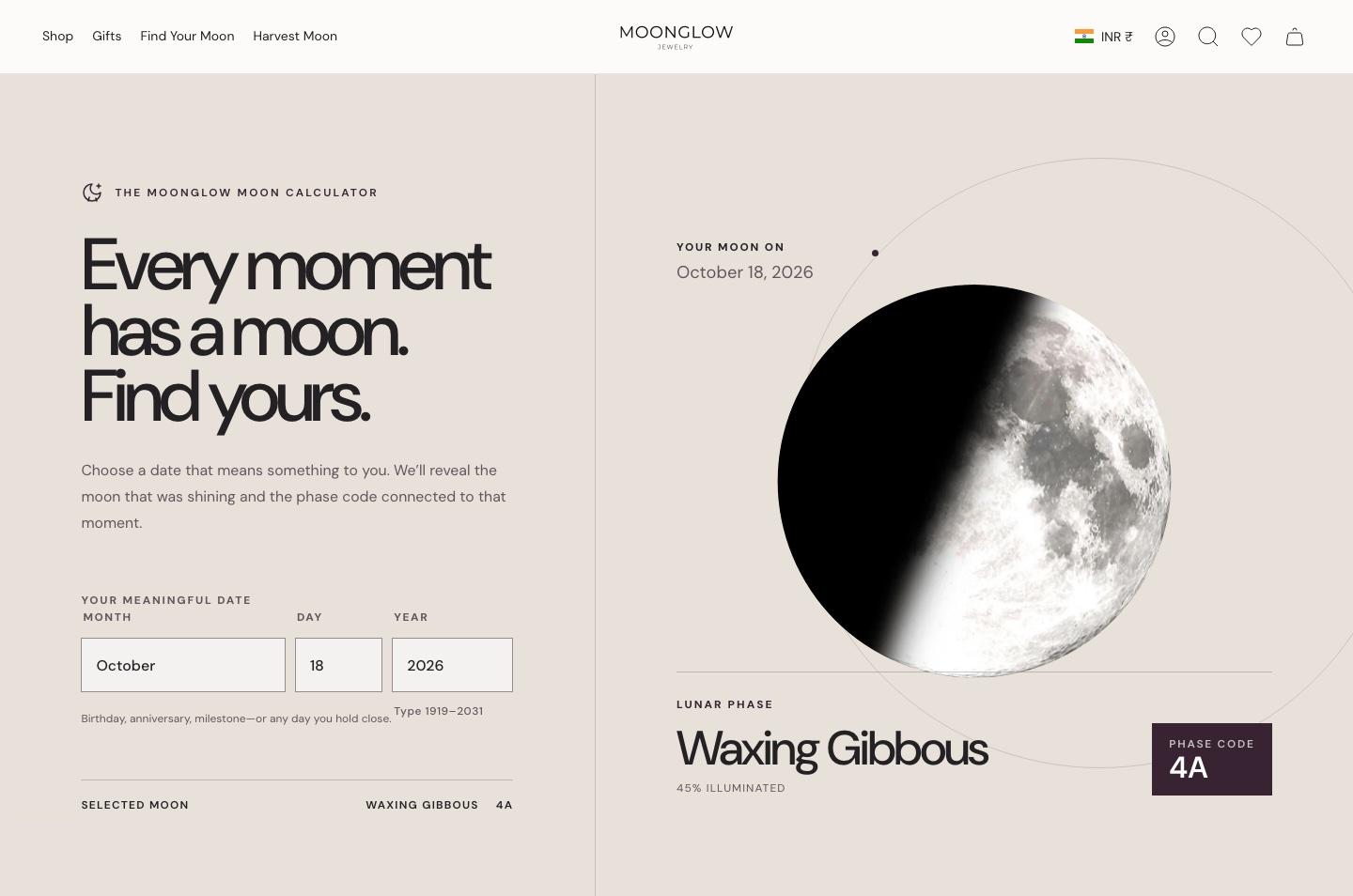
We built a moon-phase calculator. The shopper enters a date and sees the moon as it looked that day, with the name of its phase and a phase code.
- 03
Build it as math, not a lookup of eight pictures
The calculator works out how the moon moves from one phase to the next, so changing the date by a single day changes the image of the moon. It is not limited to the eight named phases.
- 04
Turn the date into a piece of jewelry
We built a customizable look for each product: choose the date, add an engraving, and see the result. The shopper can pick the jewelry type, the metal and the gold quality, and for earrings the type of closure.
- 05
Price the engraving as it is typed
Engraving is priced by its length in characters, and the store shows the price while the shopper designs, so there is no surprise at checkout.
- 06
Add collections and open more markets
We built the Harvest Moon and Halloween collections, with their own moon colors, and launched the store in the US, then Australia, then further markets.
Every date has a moon: the calculator
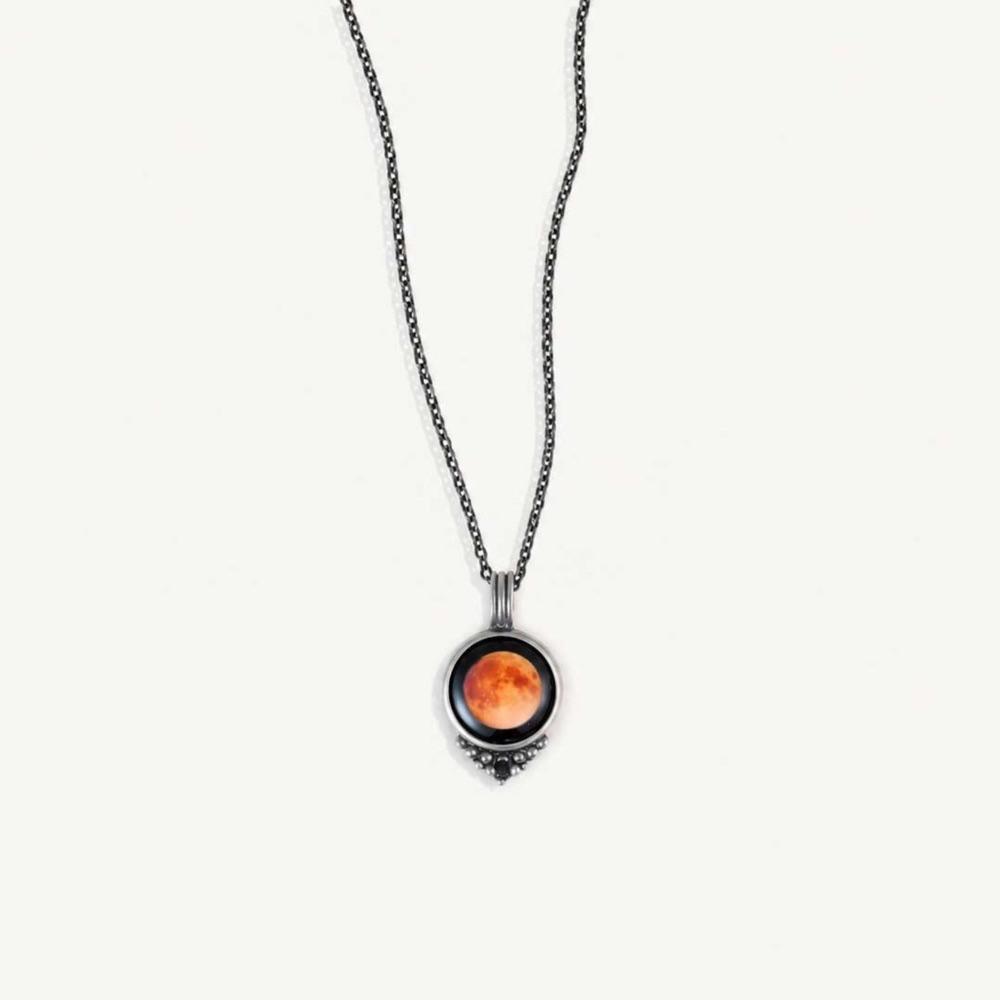
The calculator is the first thing a shopper tries. They enter a date that means something to them and the page shows the moon as it looked that day, with its phase, the share of the moon that was lit and a phase code that ties it to the product.
The phases a shopper may see are the standard ones: new moon, waxing crescent, first quarter, waxing gibbous, full moon, waning gibbous, third quarter and waning crescent. The image is not one of eight stock pictures. It comes from the calculation, so a neighboring date gives a slightly different moon, which is what makes each piece feel specific to its owner.
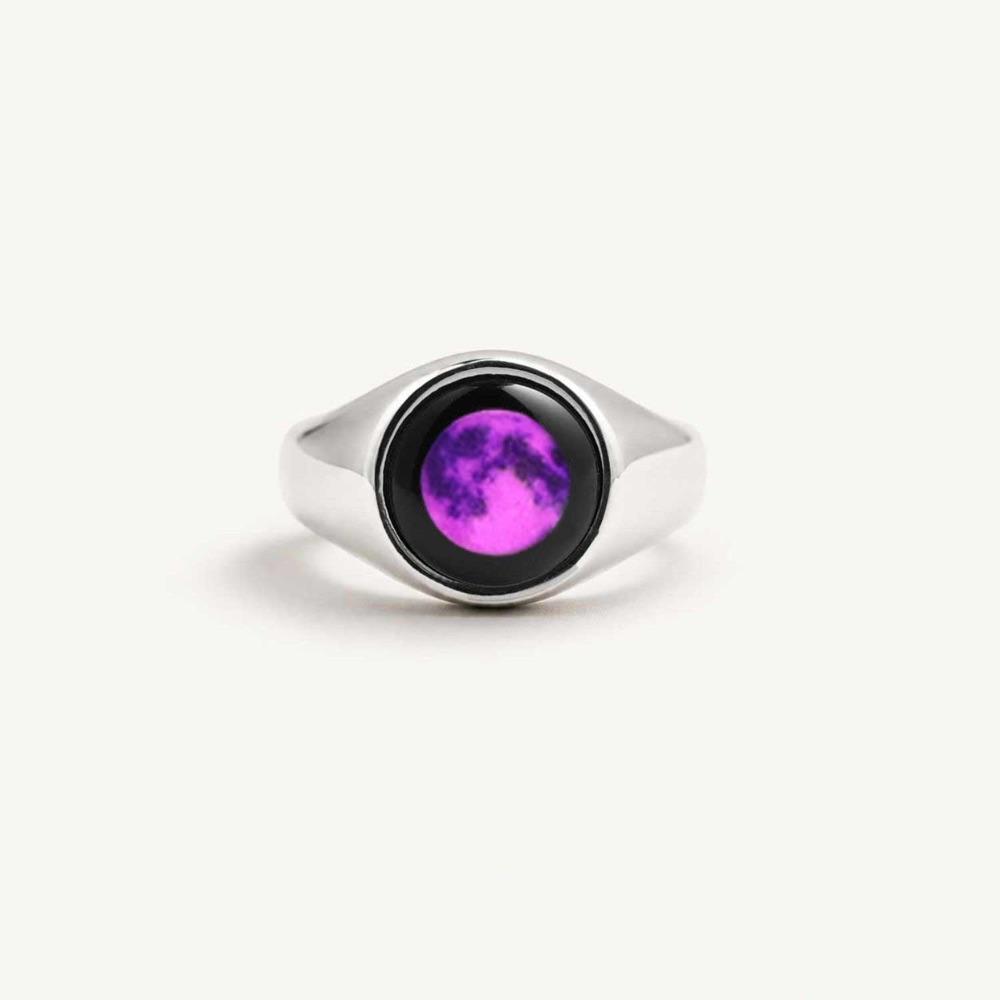
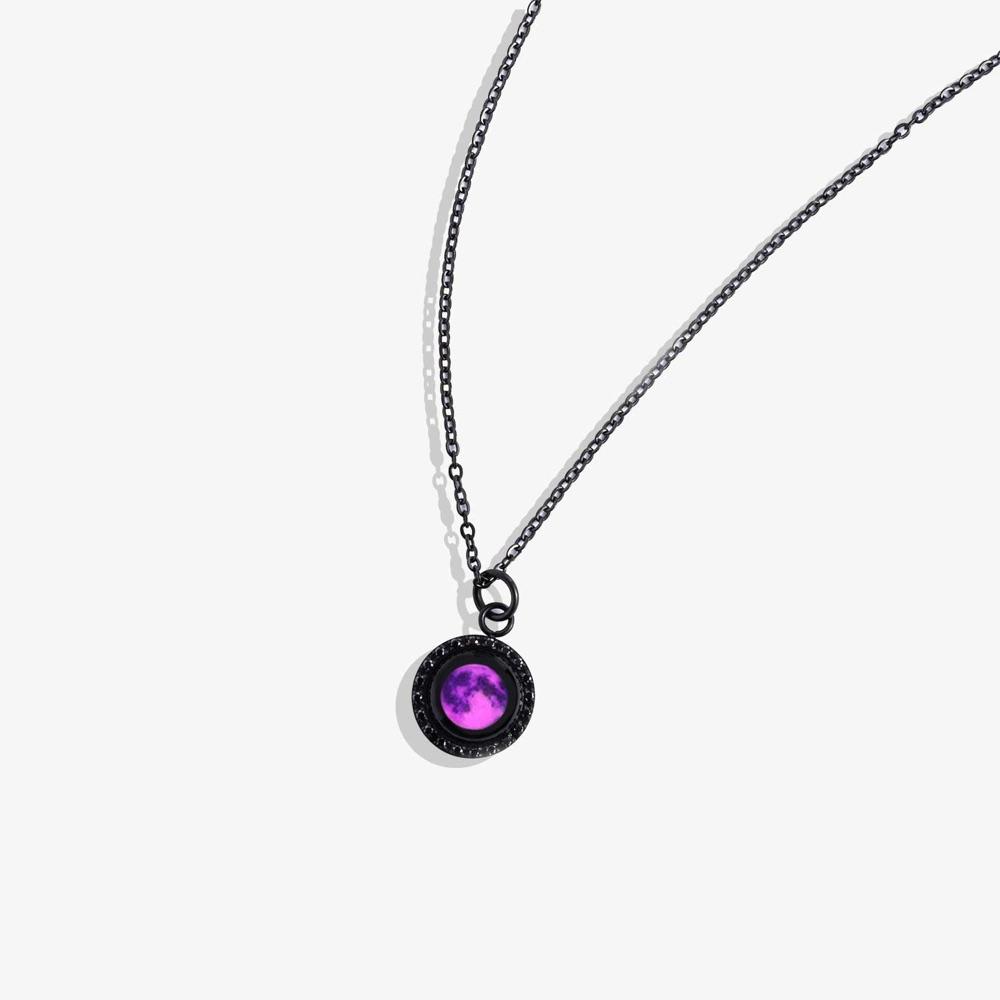
The same date then drives the product. The shopper can engrave it, choose the metal and jewelry type, and choose a Harvest Moon or a violet Halloween moon, where the color changes and the moon stays the same.
The result
Sales grew by more than 25% after the calculator and builder were live. That is the owner's account of the client's results, and no period is stated.
The store now serves the US, Australia and further markets, and keeps adding collections such as Harvest Moon and Halloween on the same builder.
- Sales growth after the tool launched
- 25%+
- Markets live: US, Australia and more
- 3+
Questions about the Moonglow migration
What did Lucent Commerce build for Moonglow?
A moon-phase calculator that shows the moon for any date, and a customizable builder with engraving, metal and jewelry choices, plus the Harvest Moon and Halloween collections.
How does the Moonglow moon calculator work?
A shopper enters a date and the page shows the moon as it looked that day with its phase and a phase code. It is calculated from how the moon moves between phases, so each date gives its own image.
Is the moon picture one of eight fixed images?
No. The calculator works from how the moon moves, so a change of one day changes the picture, not only a change of phase.
What can a shopper customize on a Moonglow piece?
The date, an engraving, the jewelry type, the metal and gold quality, and for earrings the closure type.
How is engraving priced?
By the number of characters, and the store shows the price while the shopper designs the piece.
What were the results for Moonglow?
Sales grew by more than 25% after the tool launched, according to the owner's account of the client's results.
Which markets does Moonglow sell in?
The US, Australia and further markets, launched in that order.