Pages ship in days
Production is measured in days rather than sprints, because nothing is being invented from scratch.
SHIP PAGES WITHOUT A DEVELOPER
Catalog-heavy brands get a library of reusable Shopify sections so new collections, campaigns and landing pages ship without a developer in the loop. Marketing composes pages from parts that are already designed, tested and fast.
IN SHORT
A brand ships a campaign. Marketing needs a landing page. The page needs a layout that is nearly, but not quite: the one from last time. So it goes into the development queue, waits a week, comes back slightly wrong, and by the time it is right the campaign has half run.
Do that twelve times a year and the cost is not the development hours. It is the campaigns that never shipped because the queue was too long to bother.
A section library removes the queue for the pages that are variations on something you have published before, and keeps the developer for the ones that really are new.
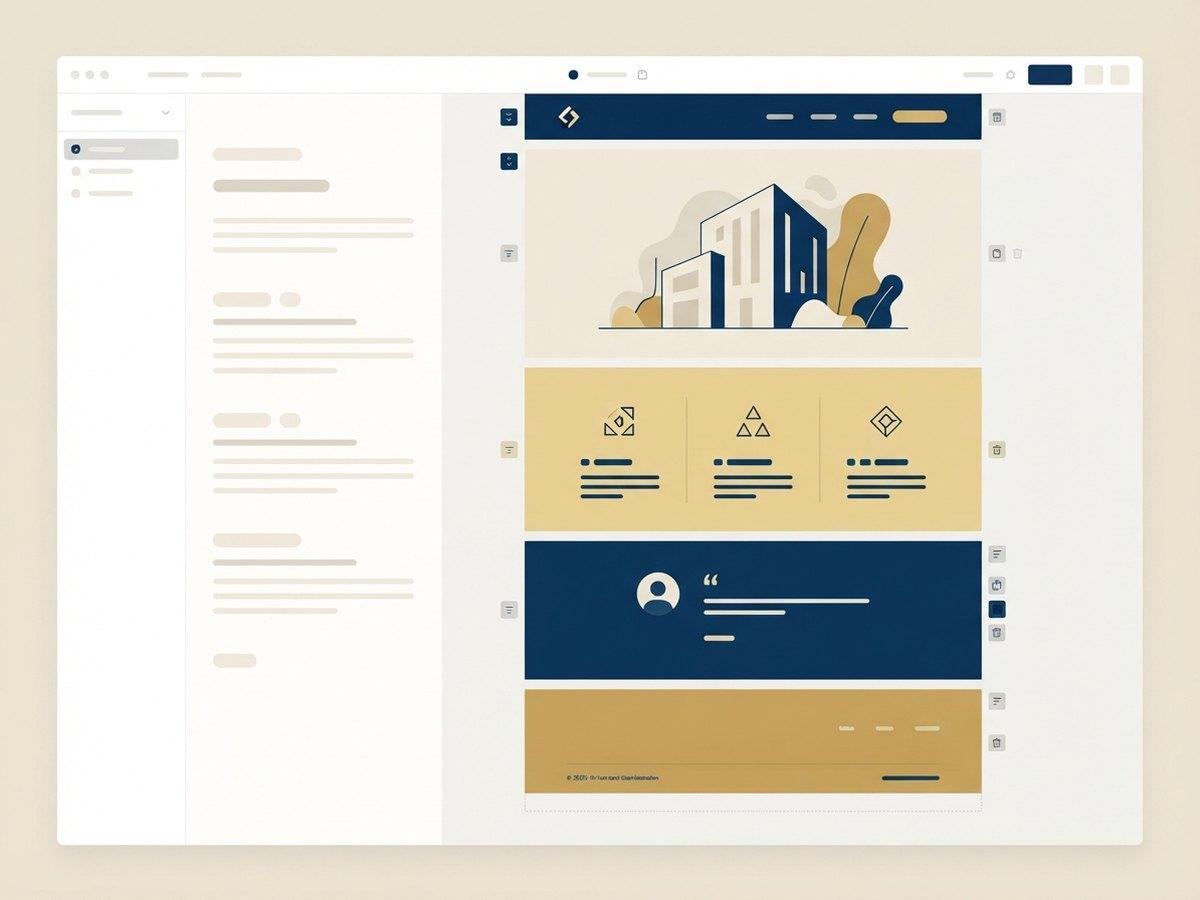
It is a set of Online Store 2.0 sections in your theme, each with schema settings, that your team assembles in the Shopify editor. The sections are yours, they are native theme code, and they load like the rest of your theme because they are the rest of your theme.
What you give up compared to a page builder app is total freedom. Nobody can invent an arbitrary new layout at 5pm. What you gain is that nobody can invent an arbitrary new layout at 5pm, so the site stays fast and on-brand.
| Section library | Page builder app | |
|---|---|---|
| Cost | Built once | Monthly subscription, forever |
| Page speed | Native theme code | Third-party script on every page |
| If you cancel | Nothing changes, it is your theme | Pages can break or need rebuilding |
| New layout types | Needs a developer | Anyone can assemble one |
| Brand consistency | Enforced by the tokens | Depends on who is building |
| Best for | Brands publishing repeatable page shapes | Teams needing total layout freedom |
Five stages, starting from what you have published rather than what you think you might need.
We look at the last six to twelve months of pages you shipped (campaigns, collections, launches, editorial) and find the page types underneath them. Most brands publish four or five shapes repeatedly.
Those shapes become a section list, each with the settings it needs exposed. Typically 12 to 20 sections covers everything a brand publishes in a year.
Sections are built against shared spacing, type and color tokens mapped to theme settings, so the library stays visually coherent no matter who composes the page.
Guidance written for the people who will use it. What each section is for, what each setting does, and which combinations work. Not developer documentation.
New sections get added to the library rather than built one-off for a single page, so the set compounds instead of sprawling.
Every section library decays the same way: it grows. Three years on, a set of sixteen has become sixty, four of them do nearly the same thing, and nobody can remember which one is current. The rules below are what stops that, and they are the part most teams skip.
Production is measured in days rather than sprints, because nothing is being invented from scratch.
Sections are built once against a performance budget, so a new page cannot quietly add a third-party script.
Shared spacing, type and color tokens mean a page built by anyone looks like the rest of the site.
New sections join the library rather than living on one page, so year two is faster than year one.
A library is priced by how much has to be decided, not by how many sections are listed. These move the number most.
How many sections are genuinely distinct●●●●●
Twelve real jobs cost far less than twenty layouts that overlap. Most of the work in scoping a library is arguing the list down.
Depth of settings●●●●
A section with four deliberate settings is quick. The same section with twenty settings is a small product, and someone has to document and support it.
Existing theme quality●●●●
Building into a clean Online Store 2.0 theme is straightforward. Building into a theme four agencies have extended means untangling first.
Content and merchandising rules●●●
Sections that have to respect stock state, market pricing or B2B catalogs carry logic, not just layout.
Migrating existing pages●●
Rebuilding live landing pages onto the new sections is usually the right call, and is scoped separately so it can be phased.
The set is deliberately finite. A library of forty sections costs more than twice a library of twenty and is worth less, because nobody can hold forty in their head.
What this looks like on the day someone uses it.
A campaign landing page is usually a hero, a proof block, a product grid, an editorial explainer and an FAQ. Every one of those already exists in the library, so the page is assembled in the theme editor by the person who planned the campaign, in an afternoon.
The difference is not speed on the first page. It is that the fiftieth page costs the same as the first, and looks like it belongs to the same brand, which is not true of a site where every landing page was built by whoever was free that week.
Wonderskin runs continuous landing page production off a section library. Julia B uses one for a catalog where merchandising is the product story, and Mighty Jaxx for a release calendar that would otherwise be a permanent development queue.
What teams ask before committing to one. Usually after a year of landing pages arriving late.
It is native theme code, so there is no third-party script, no subscription and no performance penalty. The trade-off is that new section types need a developer, which is what the library is sized to avoid.
We do, on a retainer, or your team does. The sections are ordinary Shopify theme code with documentation.
Usually 12 to 20. That covers the four or five page shapes most brands publish repeatedly, with enough settings on each to handle the variation. Beyond about 25 the library becomes hard to choose from, which defeats the point.
For most brands, yes. It is native theme code, so there is no subscription, no third-party script slowing every page and nothing that stops working when you cancel. The trade-off is that new section types need a developer, where a page builder lets anyone assemble anything, including things that are slow or off-brand.
The library is ordinary Shopify theme code in your repository with documentation. Any competent Shopify developer can extend it.
A custom Shopify storefront built from your brand and your buyer data, not a retrofitted template.
Extend Dawn or your existing theme with maintainable sections your merchandisers can use.
Send us the design files. We build them into a Shopify theme section by section, with the CMS wiring done.
NEXT STEP
A senior Shopify engineer reviews your storefront, theme performance and checkout, then sends a prioritized list of fixes.