Dead app code
Scripts and snippets left behind by apps you uninstalled months ago, still loading on every page view.
OFTEN THE CHEAPER ANSWER
We extend Dawn or your existing theme with custom sections and blocks that your team can rearrange themselves. The work stays inside Shopify theme conventions, so future theme updates and app installs do not break what we build.
IN SHORT
Agencies have an obvious incentive to recommend a rebuild. We would rather tell you the truth, which is that a well-chosen theme on Online Store 2.0, customized properly, carries a lot of stores a long way.
| Customize the theme | Rebuild from scratch | |
|---|---|---|
| Timeline | Days to weeks | 8 to 20 weeks |
| Cost | Scoped per section | Full project |
| Theme updates | Still possible if done properly | You own the theme entirely |
| Right when | The theme broadly fits your merchandising | The theme fights your catalog at every turn |
| Wrong when | The theme predates Online Store 2.0 | You just want a faster homepage |
If the audit says rebuild, we will say so. That is new store development. If it says customize, you keep the money.
Five stages. Nothing touches your live theme until you have previewed it.
We read what is in your theme: custom code, leftover app snippets, dead CSS, and whether it predates Online Store 2.0. That decides whether customizing is the right call at all.
We agree exactly which sections are being added or changed and what settings each one exposes to your team. Scope in writing, quoted before work starts.
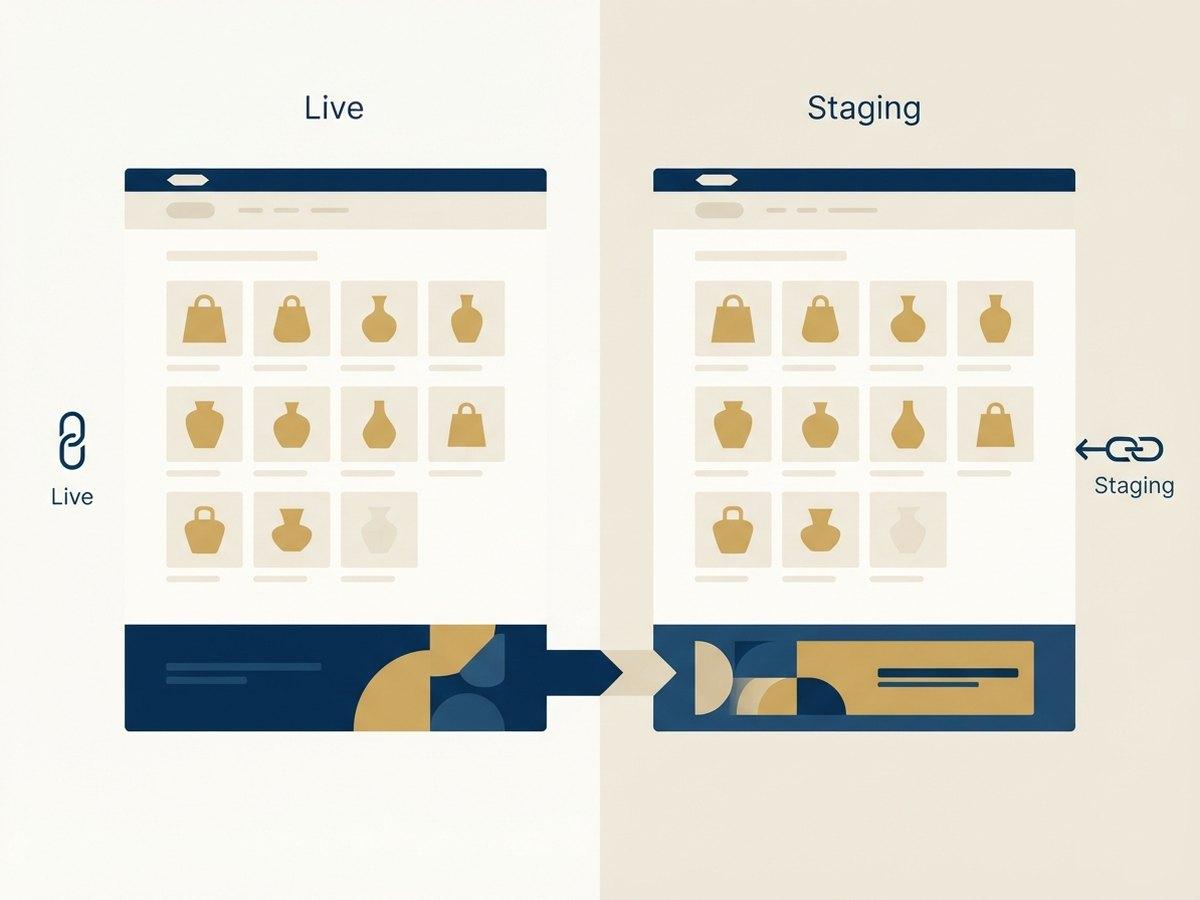
Everything is built on a duplicate theme with a preview link, so you see each change in your real store with your real products before anything goes live.
Dead CSS, orphaned scripts and app code left behind by uninstalled apps get removed while we are in there. This is usually where the performance win comes from.
Checked on real devices and against your theme settings, then published at a time you choose, with the previous theme kept as an instant rollback.
The question everyone asks second, and the one that decides whether custom work is an asset or a liability. The answer depends on how it was built.
Shopify does not patch your theme in place. An update means installing a new version of the base theme alongside yours and moving your customizations onto it. Nothing is overwritten silently, but everything that was added has to be carried across by somebody, and how long that takes is decided on the day the work is done, not on the day the update arrives.
| Built to conventionUSUALLY THIS | Built against the grain | |
|---|---|---|
| New sections | Standalone section files that copy across unchanged | Edits threaded through theme.liquid and base templates |
| Styling | Own stylesheet, scoped to the sections it serves | Overrides scattered through the base theme CSS |
| Settings | Exposed as schema, so config survives the move | Hardcoded, so every value is re-entered by hand |
| Cost of the next update | Hours. Mostly re-testing | Days, and it grows with every customization added |
| Who can do it | Any Shopify developer, from the documentation | Whoever wrote it, if they are still available |
We build to the left-hand column, and it is not a preference. It is the difference between a theme you can update and one you are stuck on. If your current theme is already the right-hand column, the audit in stage one will say so, and the answer may be a rebuild rather than more customization.
Scripts and snippets left behind by apps you uninstalled months ago, still loading on every page view.
Styles for sections that no longer exist, shipped to every visitor on every page.
The same JavaScript library loaded twice because two apps each brought their own copy.
Third-party scripts sitting in the critical path that have no business being there.
This is why theme customization often improves speed rather than costing it. If performance is the main concern, start with speed optimization instead.
Theme work is quoted per scope, not per hour, so the estimate turns on a few things.
The state of the theme you have●●●●●
A clean Online Store 2.0 theme is quick to extend. A theme four agencies have edited, with app code left behind by apps nobody remembers installing, needs untangling before anything is added.
How many sections change●●●●
Adding three sections is a fortnight. Reworking the product page, collection filtering and cart behavior together is a different project, because each one touches the others.
How much your team must control●●●
A section with fixed content is quick. The same section with settings for layout, copy, imagery and scheduling is a small product that has to be documented.
Pre-2.0 themes●●●
A theme predating Online Store 2.0 cannot take sections on most templates. Getting there pays off, and it is a bigger job than the customization that prompted it.
Integrations touched●●
Sections that read from an ERP, a subscription platform or a PIM carry logic and test data, not just markup.
The audit in stage one exists to price these properly. A theme that turns out to be the expensive case is better found in week one than in week four.
Nothing touches your live store until you have seen it in your own store, with your own products.
Wonderskin and Mighty Jaxx both run continuous theme work with us alongside their retainers. They get new sections as campaigns need them, rather than a rebuild every two years.
Asked on most scoping calls, usually in this order. The audit answers the ones that depend on your particular theme.
Yes. We work on purchased themes, Dawn and fully custom themes, and we keep changes in sections and snippets so the theme stays updatable where possible.
It should not. We remove more code than we add on most engagements, and we measure LCP and CLS on real devices before and after.
Customize when the theme is on Online Store 2.0 and broadly fits your merchandising. You get most of the value for a fraction of the cost. Rebuild when the theme predates 2.0, carries years of accumulated custom code, or fights your catalog structure at every turn.
Not if the work is done properly. We keep changes in sections and snippets rather than editing core theme files wherever possible, which is what keeps a theme updatable. Where a core file must change, it is documented so an update is a merge rather than a surprise.
Yes, and it starts with the audit. We would rather spend a day reading what we inherited than guess at it and break something that mattered.
A custom Shopify storefront built from your brand and your buyer data, not a retrofitted template.
Send us the design files. We build them into a Shopify theme section by section, with the CMS wiring done.
Catalog-heavy brands get a section library so new collections and landing pages ship without a developer.
NEXT STEP
A senior Shopify engineer reviews your storefront, theme performance and checkout, then sends a prioritized list of fixes.