The thinking
Two weeks inside your analytics, support tickets and merchandising. Not a formality: it is what stops a build becoming an expensive redesign with no thesis behind it.
FROM DISCOVERY TO LAUNCH
We design and build Shopify and Shopify Plus storefronts from scratch. That covers brand, information architecture, templates, theme code and launch. The store is built around your catalog and how your buyers actually shop, not retrofitted from a marketplace template.
IN SHORT
Three routes lead to a better storefront and only one of them is this page. Work out which problem you have before spending a build budget on it.
| Start over | Improve what you have | |
|---|---|---|
| The theme fights every change | Right, if the code is six years and four agencies deep | A theme rebuild keeps your apps and costs a fraction |
| You are on Magento or WooCommerce | Not this page: that is a migration | See migrations, where the data and URLs are the project |
| Conversion is the complaint | Rarely. A rebuild changes everything at once and teaches you nothing | Testing tells you what to change before you pay to change it |
| The brand has moved on | Right. Retrofitting a new brand onto old IA is the expensive way | A reskin will read as a reskin |
| Catalog or model has outgrown the store | Right. Information architecture is the thing being rebuilt | Patching IA is how stores end up with twelve near-duplicate collections |
If two of those land on the right-hand column, we will say so on the call rather than after the statement of work. Theme customization and migration are the two pages that most often turn out to be the real one.
“A new store” means different things to different agencies. Some mean a theme reskin. Some mean a design file handed to a developer. Here it means the whole thing.
Two weeks inside your analytics, support tickets and merchandising. Not a formality: it is what stops a build becoming an expensive redesign with no thesis behind it.
Catalog structure, navigation, collection logic and the full template inventory, agreed before a pixel is drawn. It is the most expensive thing to change later.
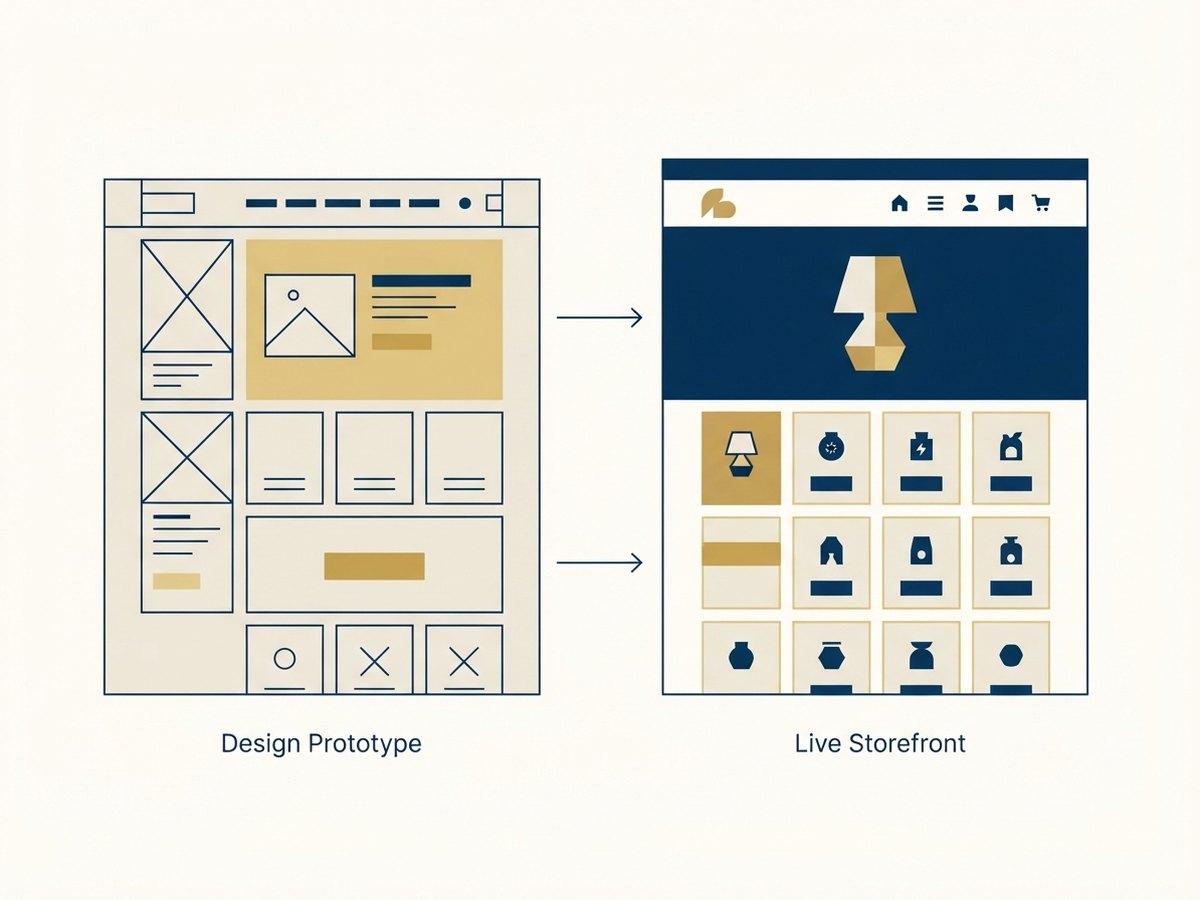
Templates drawn against your actual products and copy, reviewed as a clickable prototype. A week of that kills more debate than three rounds of static mockups.
Online Store 2.0 sections your merchandisers can compose, integrations wired against real data, and a launch runbook covering redirects, DNS and rollback.
Seven stages, 8 to 20 weeks. Stages one and two determine what the rest cost.
Two weeks in your analytics, support tickets, on-site search and merchandising. The output is a written thesis: which numbers this build is meant to move, and why.
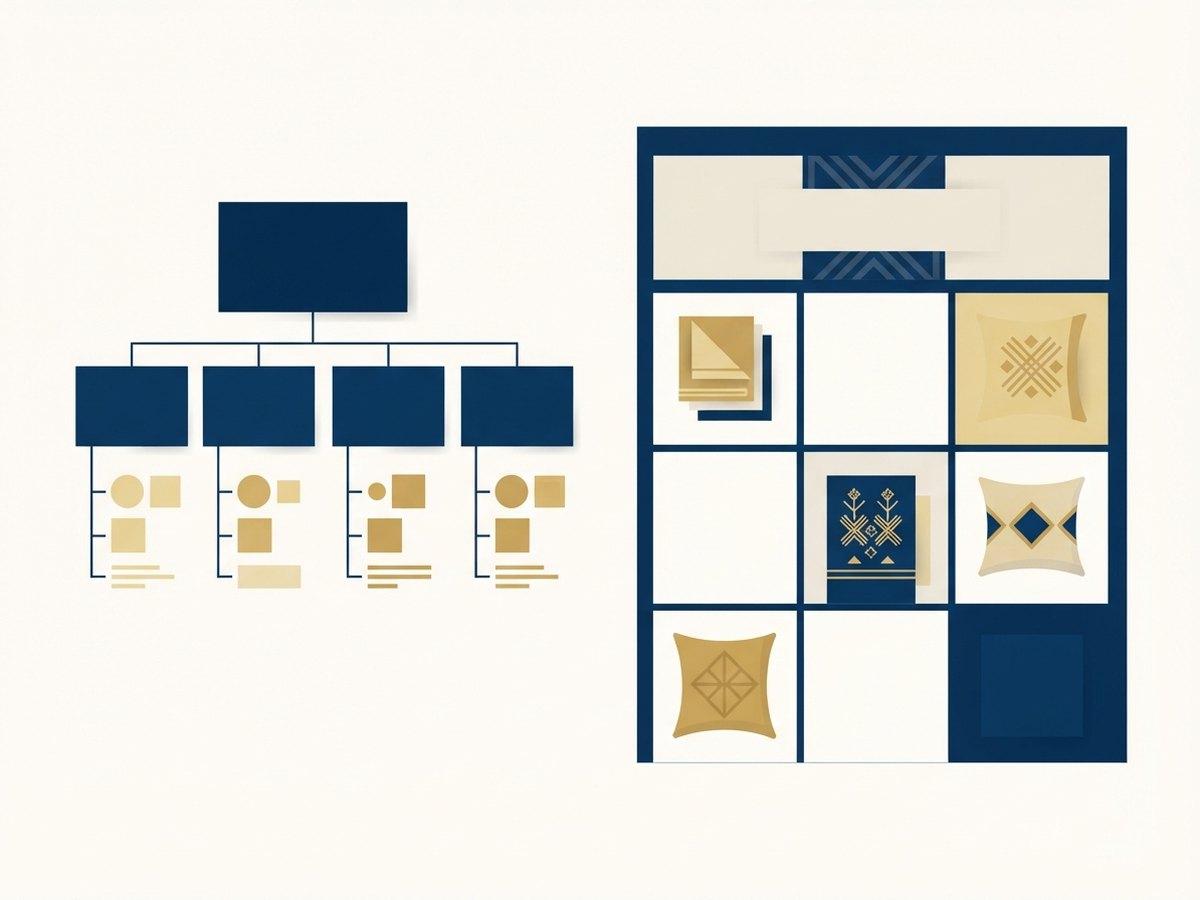
Catalog structure, navigation, collection logic, filtering and the full template inventory. Agreed before a pixel is drawn, because IA is what everything downstream is built on.
Templates designed against your actual products and copy, reviewed as a clickable prototype. You judge the store, not a picture of a store on a desktop that nobody browses on.
Built section by section as Online Store 2.0 sections and blocks with schema settings written for merchandisers. Two-week increments with staging links throughout.
Apps, analytics, tracking, ERP, PIM and fulfillment wired in and tested against real data rather than a demo dataset.
Tested on real devices against an agreed performance budget. Core Web Vitals, keyboard navigation, focus states and contrast are gates, not a post-launch backlog.
Redirects, analytics and app configuration verified before DNS. Then two weeks watching checkout, vitals and error logs while real traffic finds the edges.
We do not publish a rate card, because the same brief costs very different amounts depending on five things. The bars are how much each one typically moves the number.
Integrations●●●●●
One storefront talking to an ERP, a PIM, a 3PL and a subscription platform is a different project from one talking to nothing. Each is scoped separately, because each has its own owner, test data and failure modes.
Information architecture●●●●
A 200-SKU catalog in one category is straightforward. A catalog spanning many categories with overlapping attributes needs structuring before anything is drawn, and that work is what stops it being redone in year two.
How much is bespoke●●●●
Every section built from scratch costs more than a section library extended thoughtfully. Most stores need perhaps six custom templates and can compose the rest.
Content migration●●●
Moving products is predictable. Moving years of editorial, landing pages and campaign history rarely is, and it is the line most often forgotten at estimate time.
Number of storefronts●●
A second market is sometimes a setting and sometimes a second build, depending on whether catalog, entity and fulfillment differ.
A scoping call produces a written range against these five, not a single number with no working shown. How we quote is explained on the pricing page.
Builds slip on the client side more often than the agency side, and always for the same reasons. None of these are hard. They are just easier to arrange in week one than week nine.
Most brands ask this too early. Standard Shopify carries a lot of mid-market stores comfortably, and Plus earns its cost when one of a short list of things becomes true.
| ShopifyUSUALLY THIS | Shopify Plus | |
|---|---|---|
| Checkout | Standard checkout | Checkout extensibility and Shopify Functions |
| Storefronts | One | Expansion stores for regions or brands |
| B2B | Apps or a separate store | Native B2B with company accounts and price lists |
| API limits | Standard rate limits | Raised limits for heavy integrations |
| Best when | Single storefront, standard checkout | Checkout logic, multi-region, or B2B alongside DTC |
Plenty of brands launch on standard Shopify and upgrade later. Selling across borders is its own question: see Shopify Markets.
Launch day is a handover, not a disappearance. Everything below is yours, in your accounts, documented.
Performance targets are set in discovery and enforced at QA, so speed is a gate rather than a post-launch project.
Every app is assessed on what it costs the page. Most stores carry more third-party JavaScript than first-party. New builds should not start that way.
Tested on the hardware and connections your customers actually use, not a lab score on a developer laptop.
Field data watched for two weeks post-launch, which is when real traffic exposes what synthetic testing missed.
What the stages above look like on a real catalog.
Julia B sells luxury artisan home linens: bedding and bed linen, throws, custom panels, dining and linen napkins, table linen, bath and guest towels, outdoor, and accessories. That list is the whole problem statement. A customer arriving for guest towels and a customer specifying a custom panel are not doing the same thing, and a single flat catalog serves neither.
So the information architecture is decided first: which of those are categories, which are attributes, and which are a made-to-order flow that does not belong in a normal product template at all. Only then does design start, against real products rather than placeholder tiles.
Three of the fifteen on the roster. Each of these is a build, a rebuild, or a relaunch we still maintain.
Julia B: luxury artisan home linens across bedding, throws, table linen, towels, outdoor and accessories. SWAK Designs: clothing. Grays: migrated and relaunched, and maintained since. See the full client list.
The five we are asked on almost every scoping call. If yours is not here, the audit is free and a senior engineer answers it directly.
Most builds run 8 to 20 weeks from discovery to launch, depending on catalog size, the number of integrations and how many storefronts you need.
Both. Plus is worth it when you need checkout customization, multiple storefronts, higher API limits or B2B; otherwise a standard Shopify plan is usually enough at launch.
Access to your current analytics, a product data export, your brand assets and one decision-maker who can sign off. Everything else we work out in discovery.
Yes. A common pattern is launching the core catalog and templates first, then adding secondary templates, content pages and non-critical integrations in the weeks after.
You do. The theme lives in your repository with documentation on how it is structured and how to extend it.
Extend Dawn or your existing theme with maintainable sections your merchandisers can use.
Send us the design files. We build them into a Shopify theme section by section, with the CMS wiring done.
Catalog-heavy brands get a section library so new collections and landing pages ship without a developer.
NEXT STEP
A senior Shopify engineer reviews your storefront, theme performance and checkout, then sends a prioritized list of fixes.