DESIGN FILES IN, SHOPIFY THEME OUT
Figma to Shopify
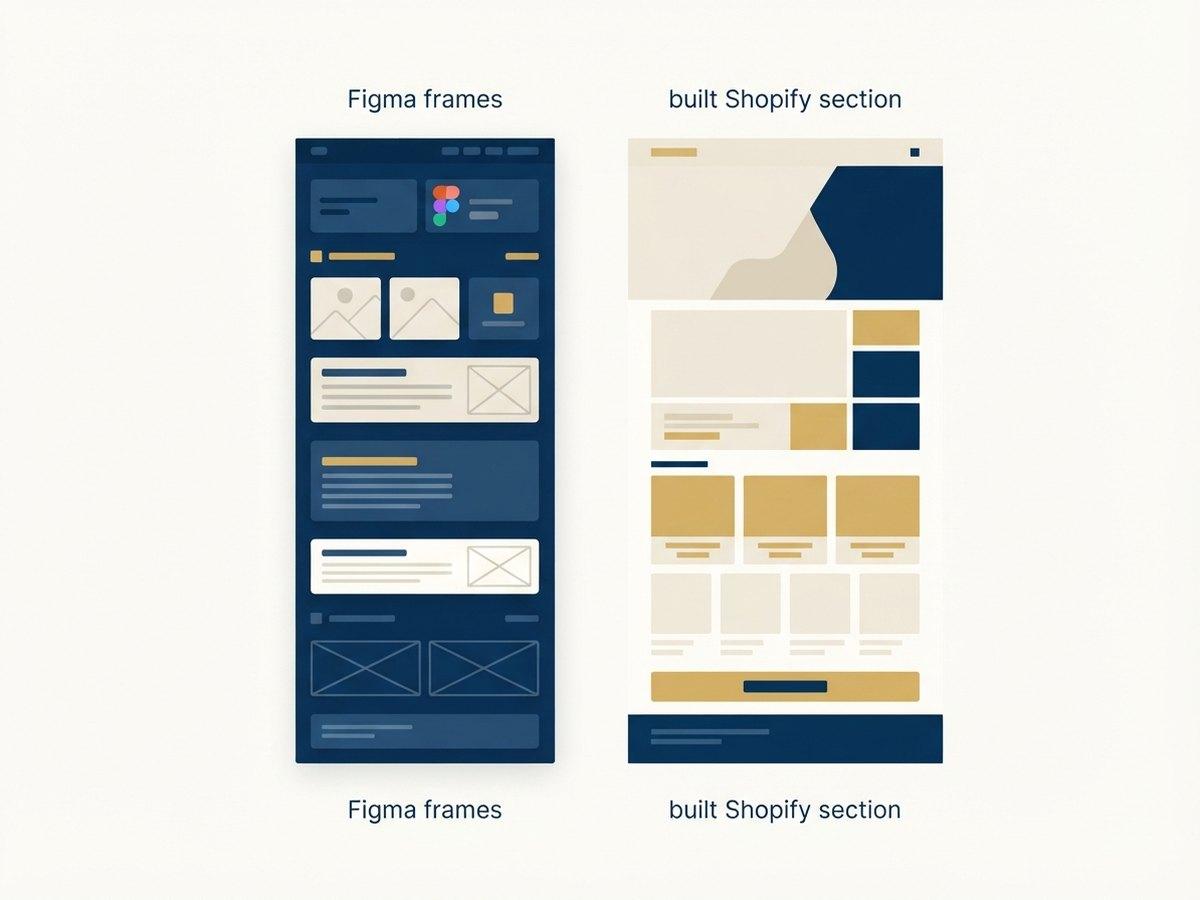
Send us the design files and we build them into a Shopify theme, section by section, with the CMS wiring done. You get a theme your team can edit, not a pixel-perfect page that breaks the moment someone changes the copy.
IN SHORT
- Send the Figma file and we return a fixed quote and a timeframe before any work starts.
- Every design becomes a configurable Shopify section, not hardcoded markup, so your team can edit it afterwards.
- We need desktop and mobile frames, plus a note on which parts must be editable.
- Designs that reuse components and stick to a spacing scale are meaningfully cheaper to build than one-off layouts.
- Sketch, XD and flat files work too. Figma is just fastest to quote from because spacing and type are inspectable.
- You send
- Figma, XD or Sketch
- Quote returned in
- 2 to 3 working days
- Typical template
- 3 to 6 days to build
- You get back
- An OS 2.0 theme
- Editable by
- Your merchandisers
Is a handoff the right route?
Sending finished designs is the cheapest way to get them built, and the wrong move if the designs have not been tested against how Shopify actually works.
| Send us finished designsUSUALLY THIS | Design with us | |
|---|---|---|
| The designs are signed off internally | Right. We build what is agreed, and quote it fixed | Redesigning settled work costs you twice |
| Only the homepage is designed | We can extrapolate, but the quote gets a range rather than a number | Better: the templates nobody drew are where builds overrun |
| Nobody has decided what is editable | We will ask, and the answer changes the build | Better: the section library gets designed, not retrofitted |
| The file has no states for empty or sold out | Workable: we design them and send them back for sign-off | Better, if the catalog is messy enough to need judgment |
| You have an agency you like working with | Right. We are the build half, and say so | Not needed |
Why most Figma conversions go wrong
The common failure is not visual fidelity. It is that the developer builds exactly what the file shows: pixel for pixel, hardcoded, and the result looks perfect on the day it ships and becomes unusable a month later.
Then marketing wants to swap the hero image. The product title turns out to be two words on one product and fourteen on another. A campaign needs the same layout with three cards instead of four. None of that is possible without a developer, because nothing was built to be configured.
We build sections, not pages. Every design becomes an Online Store 2.0 section with schema settings, so the thing that ships is a system your team can operate rather than a screenshot rendered in HTML.
How it runs
Six stages. The quote comes before stage three, so you commit with the number known.
- 01
Send the files
Share the Figma file with view access. We want desktop and mobile frames for every template, and a short note on which sections need to be editable by your team.
- 02
Fixed quote
We inspect the file (component reuse, spacing consistency, how many genuinely distinct sections there are) and return a fixed quote and a timeframe. Not an hourly estimate that moves.
- 03
Section mapping
Before building, we agree which designs become which Shopify sections, and which settings each one exposes. This is the document that decides what your team can change later.
- 04
Build
Each section built as an Online Store 2.0 section with schema settings, responsive behavior handled for the breakpoints your traffic actually uses, and design tokens mapped to theme settings.
- 05
Review against the file
Side-by-side review at every agreed breakpoint, on real devices. Deviations are either fixed or flagged with a reason. The usual cause is a design that assumed content that does not exist.
- 06
Handover
Theme in your repository with documentation on the section library, so your team or any other developer can extend it.
What we need from your files
To return a fixed quote
- Desktop and mobile frames for every template: not just the homepage
- A note on which sections your team must be able to edit after launch
- Fonts named, with licenses sorted for web use
- Any interaction or animation intent, described or prototyped
- Real content where you have it. Real titles, real copy lengths, real image ratios
The last one matters more than it sounds. A design built on perfect placeholder content hides every decision about what happens when the content is not perfect, and real catalogs are never perfect.
- Formats
- Figma, XD, Sketch
- Frames needed
- Desktop + mobile
- Per template
- Not just the home page
- Fonts
- Named, licensed for web
- Content
- Real, not lorem
What makes a design cheap or expensive to build
Two files that look identical can differ by a factor of three in build cost. These are the factors that move it, and the bars show by how much.
Component reuse●●●●●
A file where twelve layouts are four components with variants builds far faster than twelve bespoke layouts that merely look similar. This is the single biggest lever.
Named states●●●●
Empty, loading, sold out, one review, thirty reviews, a title that runs to three lines. Designs that cover these stop a developer inventing them at build time.
A spacing scale●●●
Consistent spacing maps straight onto theme settings. Arbitrary spacing means every section carries its own values and none of them are editable.
Defined breakpoints●●●
Two or three deliberate breakpoints are cheaper and better than a design that exists only at 1440 and 375 with everything between left to interpretation.
Real content in the frames●●
A design built on perfect placeholder copy hides every decision about imperfect content, and real catalogs are never perfect.
None of this is about how good the design is. It is about how much of it a developer has to decide for you.
What one product template actually needs
The clearest way to see the gap between a design that is finished and a design that is buildable.
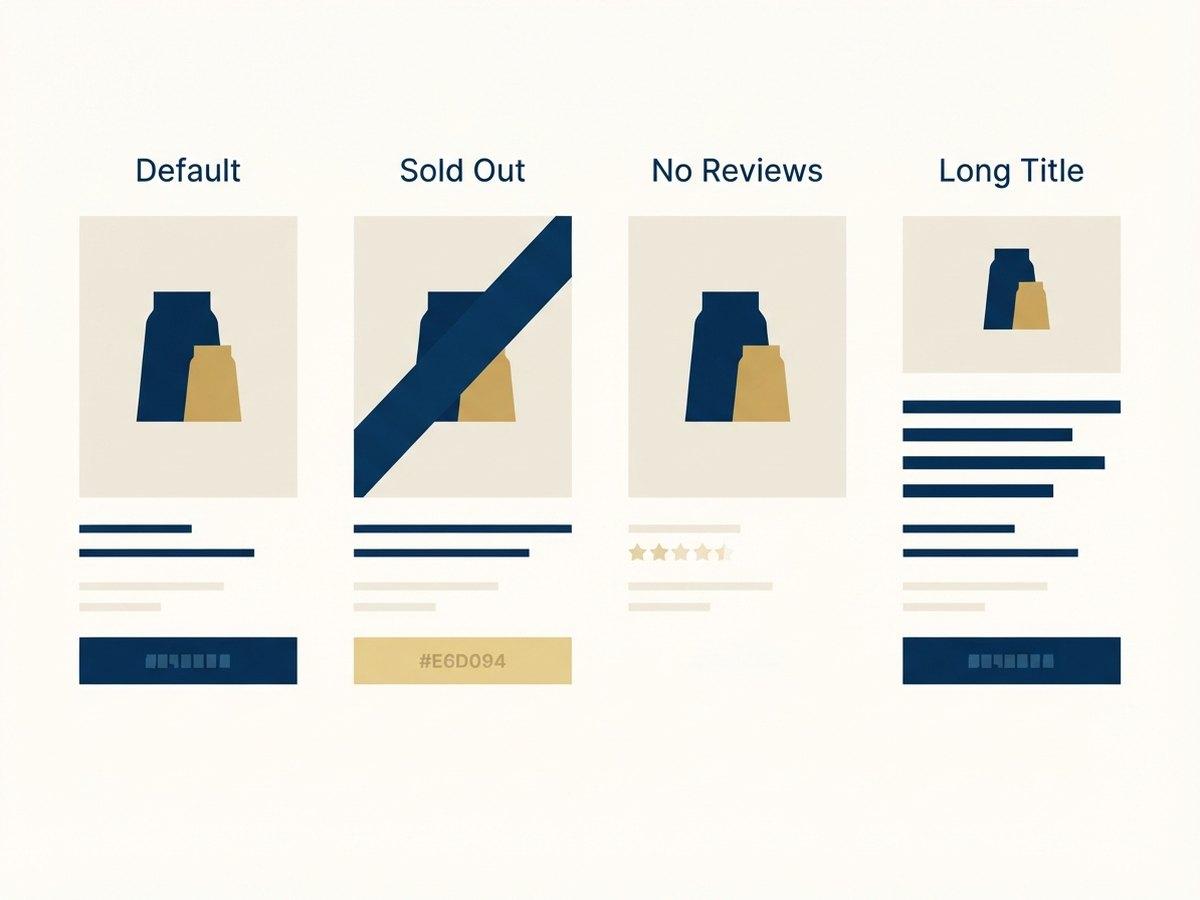
A product page is usually drawn once: a good photograph, a short title, a price, four reviews. Every one of those is the happy case. The same template also has to survive a title that wraps to three lines, a variant that is out of stock, a product with no reviews yet, and a bundle where the price depends on what the customer picked.
Those are not edge cases. They are Tuesday. When the file does not cover them a developer decides on your behalf, quickly, without the brand in front of them, and you find out after launch. Covering four states in the design costs an afternoon. Discovering them in production costs a sprint.
What you get back
- A theme built section by section as Online Store 2.0 sections and blocks, in your repository
- Schema settings for everything your team said it needed to edit, named the way your team names things
- The states the file did not cover, designed and sent back for sign-off rather than guessed
- Responsive behavior between your breakpoints, decided deliberately rather than by whatever the grid did
- Performance checked against a budget agreed before the build, on real devices
- A written handover covering how the sections work and where to change what
- Theme
- Online Store 2.0
- Code lives in
- Your repository
- Sections
- Schema-settings driven
- Tested on
- Real devices
- Handover
- Documented, not a call
Brands whose designs we have built
Julia B. Casa
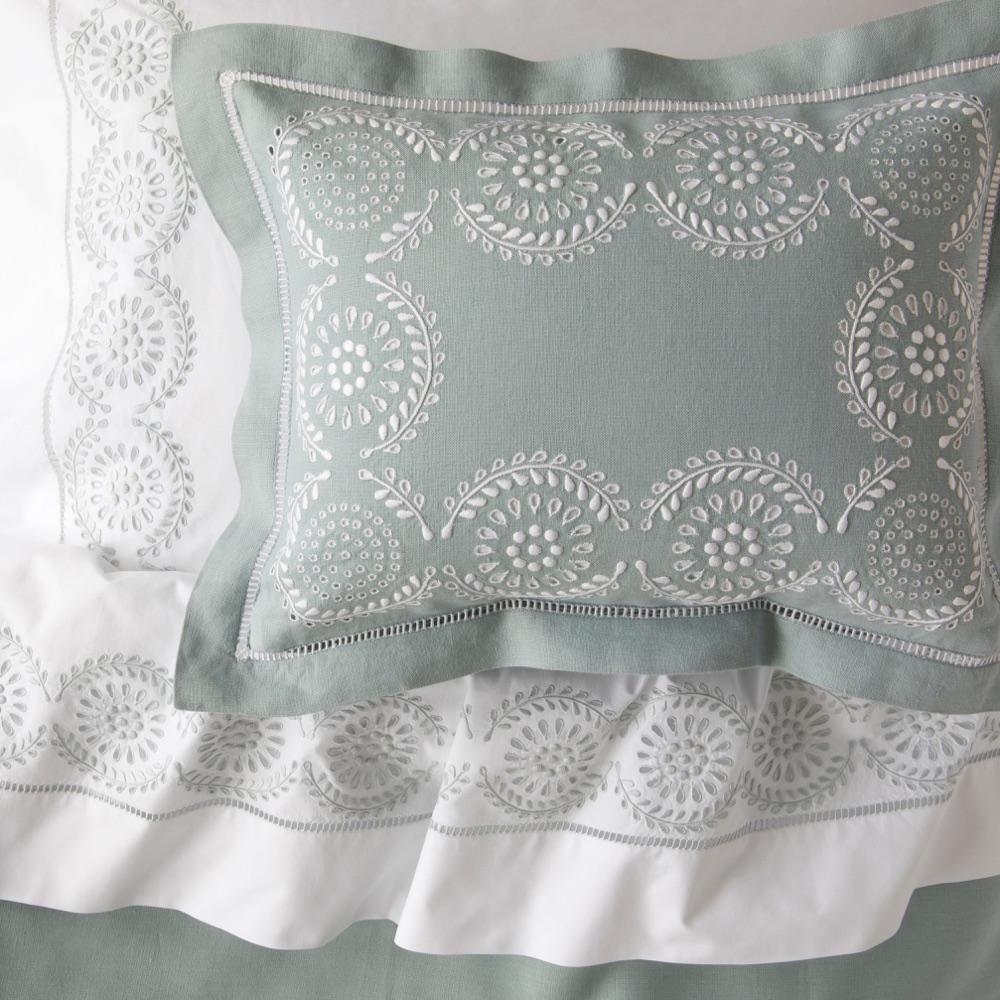
Julia B. Casa sells handmade, hand-embroidered bedding, table linens and towels, each of which can carry the customer's own monogram. We launched its Shopify Plus store with a four-step monogram builder and a shop-by-look gallery, and built a back office where vendors design, send for approval, produce and ship each personalized order through FedEx.
READ THE STORY →SWAK Designs
SEE THE WORK →Julia B and SWAK Designs both came to us with design direction and needed it built as something their teams could then run. See the full client list.
Figma to Shopify questions
What designers and in-house teams ask before sending a file. Send the file anyway. The quote is free and it is the fastest way to a real answer.
What do you need to quote a Figma to Shopify build?
The Figma file with desktop and mobile frames, plus a note on which sections need to be editable. That is enough for a fixed quote and a timeframe.
Do you work from designs other than Figma?
Yes: Sketch, XD, or flat files. Figma is simply the fastest to quote from because we can inspect spacing and type directly.
How much does converting Figma to Shopify cost?
It is quoted from the file rather than from a price list, because cost follows the number of genuinely distinct sections and how consistent the design system is. Send the file and you get a fixed quote and a timeframe back.
Will the build match the design exactly?
At the agreed breakpoints, yes. Where a design assumed content that does not exist (a two-word product title, three reviews instead of thirty) we flag it and propose how the section should behave, because real content is what the store has to survive.
Can you design as well, if we do not have files?
Yes. That is a new store build rather than a Figma conversion. See new Shopify store development.
Related
New Store Design & Development
A custom Shopify storefront built from your brand and your buyer data, not a retrofitted template.
Theme Customization
Extend Dawn or your existing theme with maintainable sections your merchandisers can use.
Brand & Content Systems
Catalog-heavy brands get a section library so new collections and landing pages ship without a developer.
No design files yet? See new store development. Want the sections documented as a reusable set? Section libraries.
NEXT STEP
Send the file, get a quote
Share your Figma file and a note on what needs to be editable. We come back with a fixed quote and a timeframe.