PAYMENTS · INDIA · PAYU.IN
PayU: Shopify payment app with on-page card and OTP
PayU is a payments company that wanted every merchant to be able to take PayU on Shopify. We built its Shopify payment app as a payment app extension, so a shopper enters their card, and the OTP for cards that ask for one, inside Shopify's own checkout and never leaves it.

IN SHORT
- PayU is a payments company that wanted every merchant to be able to take PayU on Shopify, and Lucent Commerce built its Shopify payment app.
- It is a payment app extension, Shopify's current model for payment providers, which replaced the older hosted approach.
- The shopper enters their card in the Shopify checkout itself, and for cards that need an OTP the code is captured and verified on the same page.
- The shopper never leaves Shopify, in either the one-page or the three-page checkout.
The challenge
A payment provider is only useful to a merchant if it works inside the merchant's checkout. PayU wanted its payment methods available to every brand that sells on Shopify. The rule PayU cared about most was that a card payment had to happen in the Shopify checkout page itself. If the shopper is sent away to a PayU page to type their card, the journey breaks and some of them do not come back.
Shopify changed how payment apps are built. They used to be hosted: the shopper was redirected to the provider's page. They are now payment app extensions that run inside the checkout. The extension has to collect the card, and many cards in India ask for an OTP as a second step, called 3D Secure. That OTP had to be captured and verified on the same page too, and only then could the order be created.
- Client
- PayU (payu.in)
- Industry
- Payments
- Market
- India
- Platform
- Shopify payment app extension
- Card step
- Card and OTP on the Shopify checkout page
- Result
- Card and OTP inside the Shopify checkout
How we approached it
- 01
Understand Shopify's payment extension model
We worked from Shopify's payment app extension rules, which replaced the hosted model, so the app fits the checkout the way Shopify now requires.
- 02
Collect the card in the checkout
On the Shopify checkout, after the shopper has given their details and chosen shipping, PayU appears as a payment option. This is PayU's own card form and not Shop Pay, which is Shopify's. The card details are entered there.
- 03
Handle the OTP on the same page
For cards that ask for an OTP, the code the customer receives is captured on the checkout page and verified there, so there is no redirect to a bank or gateway page in between.
- 04
Create the order from the result
Once the payment, and the OTP where needed, has gone through, Shopify creates the order, and PayU captures the payment automatically.
- 05
Support every checkout layout
The same flow works whether the merchant uses the one-page or the three-page checkout, because it lives inside Shopify's checkout and not around it.
- 06
Make it easy for a merchant to connect
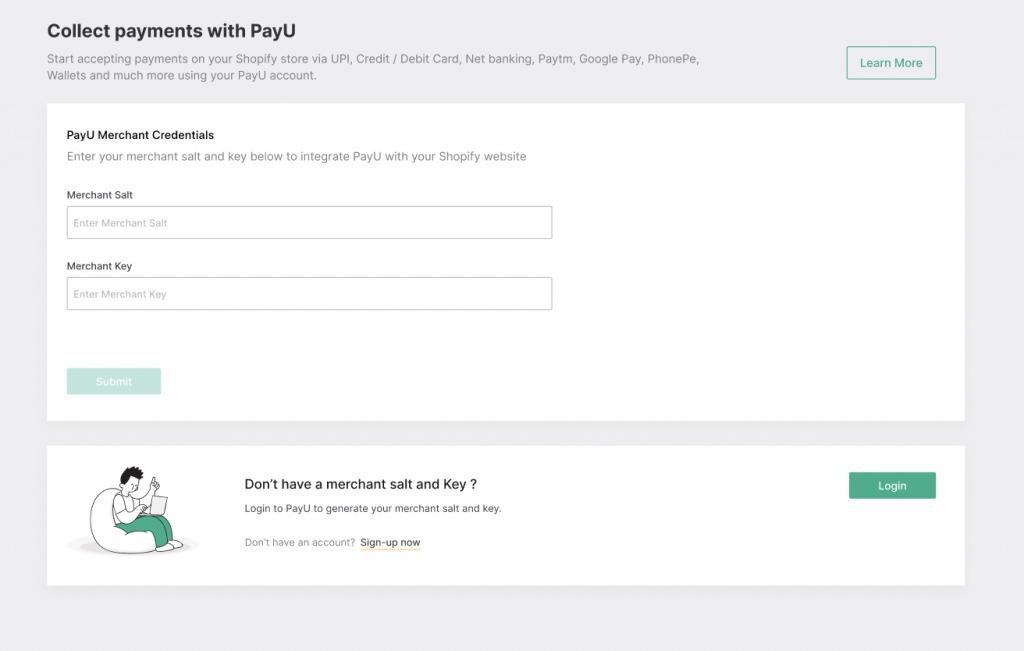
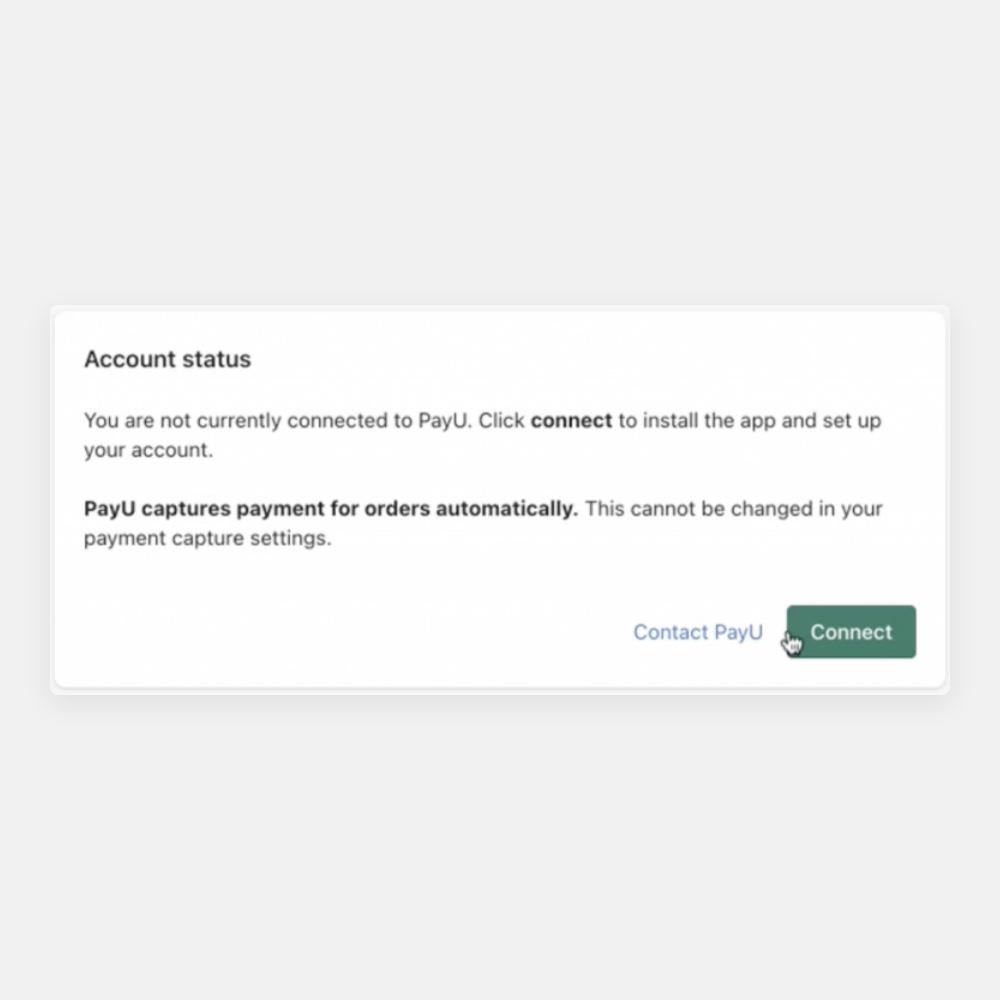
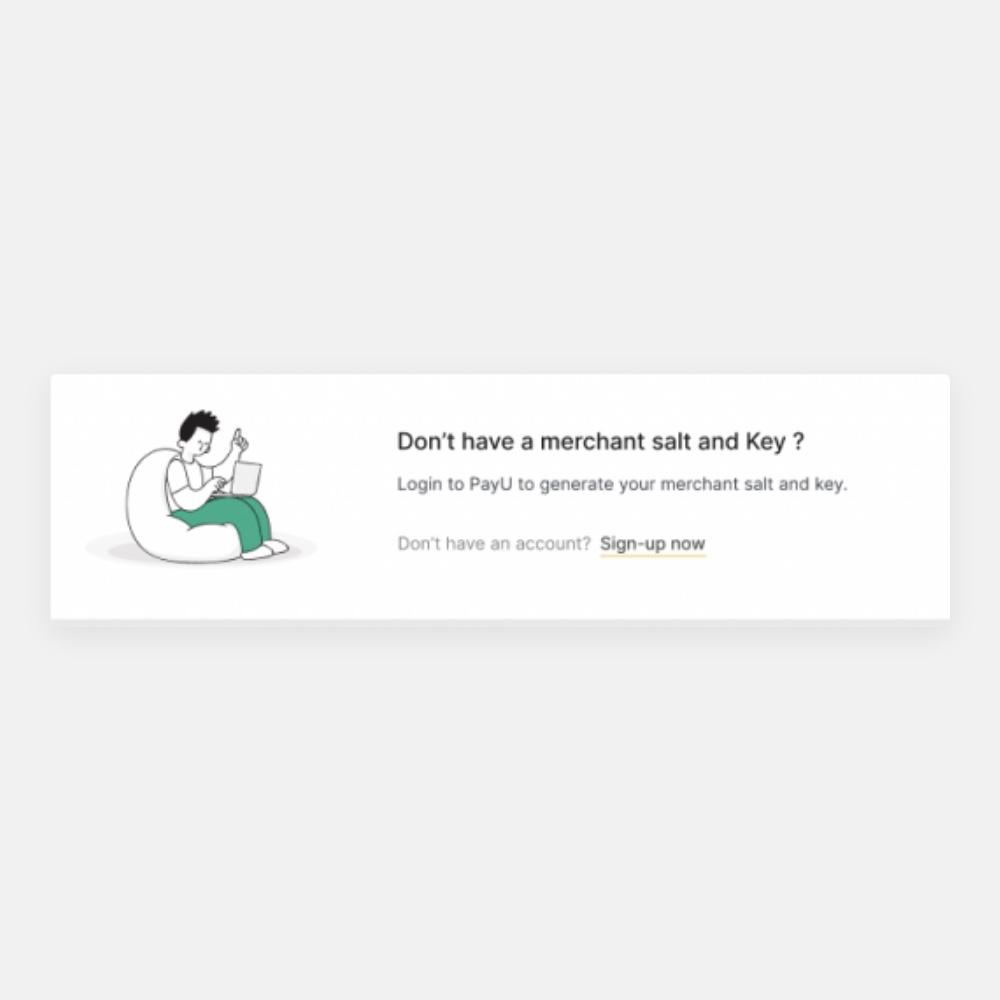
In the Shopify admin the merchant sees the account status and clicks Connect. In the PayU app they enter their merchant key and salt, or sign in to PayU to generate them.
Card and OTP without leaving the Shopify checkout
Follow a shopper through the flow. They land on a product page, add to cart and go to checkout. They fill in their details and choose shipping and a courier. Then they choose how to pay, and PayU's card option is one of the choices.
The card is entered right there. If the card asks for an OTP, the shopper types the code into the same page, and it is verified there. Then the order is created. At no point does the shopper see another site, which is the point of building it as an extension.
The merchant side is short. In the Shopify admin the payment page shows the account status and a Connect button, and tells the merchant that PayU captures payment for orders automatically. In the PayU app the merchant enters their merchant key and salt. The app lists the ways to pay it supports: UPI, credit and debit cards, net banking, Paytm, Google Pay, PhonePe and wallets.
The result
PayU's Shopify payment app is built as a payment app extension, and a shopper pays by card, and verifies an OTP where one is asked for, without leaving the Shopify checkout. Merchants are now moving to PayU on Shopify because of the brand and the in-checkout card flow.
Because it is an extension, it follows Shopify's checkout wherever Shopify takes it, in one-page or three-page form, rather than depending on a redirect that Shopify has moved away from.
- Redirects away from the Shopify checkout for a card payment
- 0
- OTP verified on the checkout page itself
- 3DS
Questions about the PayU migration
What did Lucent Commerce build for PayU?
PayU's Shopify payment app, built as a payment app extension, with card entry and OTP verification inside the Shopify checkout.
What is a Shopify payment app extension?
Shopify's current model for payment providers. It runs inside the checkout, where the older hosted model sent the shopper to the provider's own page.
Does the shopper leave the Shopify checkout to pay?
No. The card is entered on the Shopify checkout page, and for cards that need an OTP the code is captured and verified there too.
Is PayU the same as Shop Pay?
No. Shop Pay is Shopify's own payment option. PayU's card option is a separate choice in the same checkout, and PayU's own form collects the card.
Does it work with Shopify's one-page checkout?
Yes. It works with both the one-page and the three-page checkout.
How does a merchant connect to PayU?
In the Shopify admin they click Connect, then enter their PayU merchant key and salt, which they can generate by signing in to PayU.
What results did PayU see?
A shopper pays by card and verifies the OTP on the Shopify checkout page itself, with no redirect to another site, in both the one-page and three-page checkout. That keeps the journey unbroken, which was the point of the build. Merchants connect in one click from the Shopify admin.