

SEP 17, 2026 · UPDATED OCT 5, 2026 · 8 MIN READ
Theme architecture: settings, blocks and the limits of each
Sections, blocks and settings each solve a different problem. Using the wrong one is how a theme becomes unmaintainable.


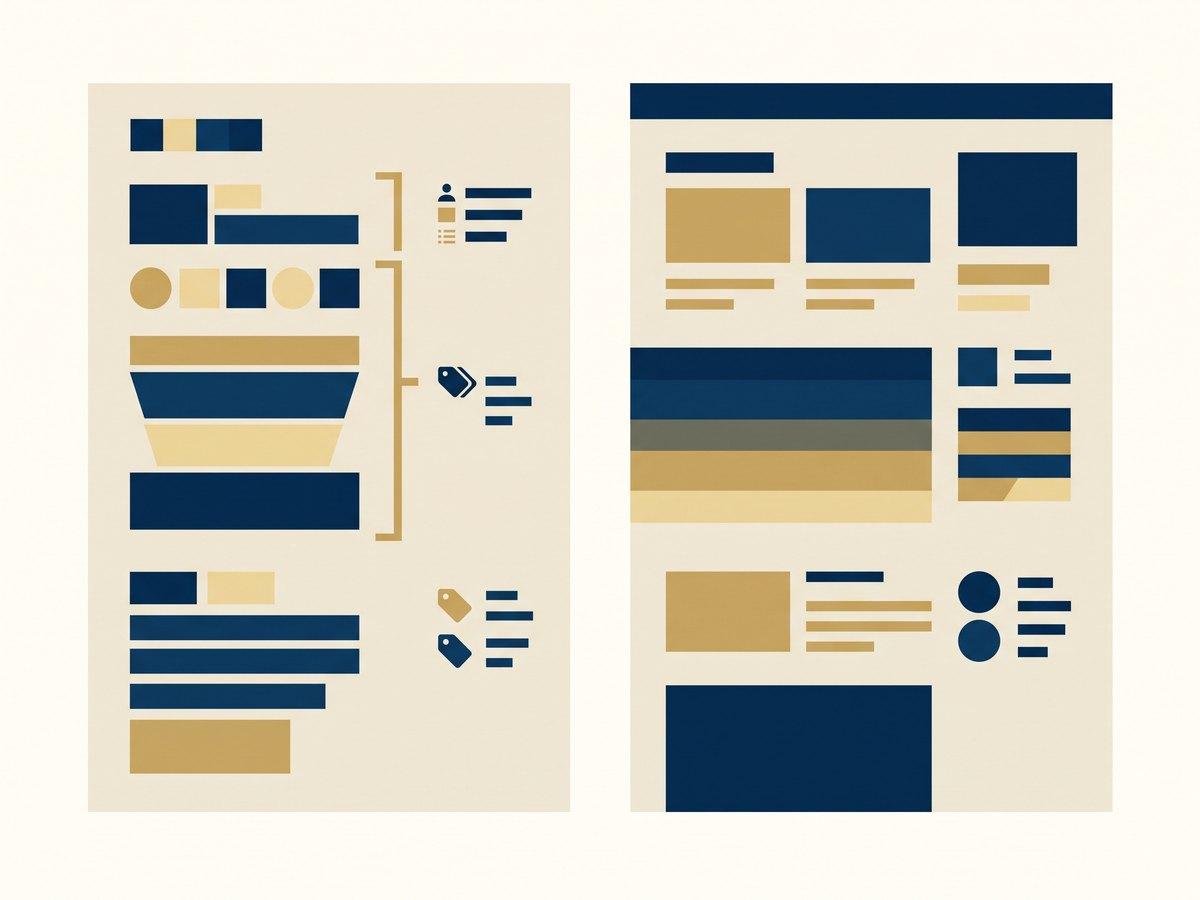
Structure a Shopify theme around three decisions: what is a section, what is a block inside it, and what is a setting. A section is a distinct job on a page. A block is a repeatable item within that job. A setting is a choice a merchandiser makes about either. Getting these wrong is the single most common cause of a theme that nobody can extend two years later, because the mistakes compound. Every new requirement gets bolted onto the wrong layer.
IN SHORT
- A section is a job on a page. If two sections do the same job with a different layout, they should be one section with a setting.
- A block is a repeatable item inside a section: a slide, a feature, a row. Not a variant of the whole section.
- Every setting you add is a way for a page to end up off-brand. Constrain deliberately rather than exposing everything.
- Name sections for what they do, not how they look. "Product comparison" survives a redesign; "three-column grid" does not.
- Theme settings are global and expensive to change later. Section settings are local and cheap. Prefer local.
The three layers, and what each is for
Online Store 2.0 gives you sections on every template, blocks within sections, and settings at both the section and theme level. The architecture question is which of those three a given requirement belongs in, and the answer is usually obvious once the layers are described properly.
A section is a job. "Show the customer social proof." "Explain the shipping promise." "Compare these products." It occupies a slot on a page and a merchandiser can add, remove or reorder it.
A block is a repeatable item inside that job. One testimonial within a social proof section. One row within a comparison. Blocks are the answer when the merchandiser needs three of something, or seven, and you do not know which in advance.
A setting is a choice. Heading text, an image, an alignment, whether to show prices. Settings live on a section or on a block, and occasionally, rarely, on the theme.
The mistake that costs the most: sections that are really settings
The most common theme problem we inherit is twelve sections that are four sections with variations. "Hero image left", "Hero image right", "Hero video", "Hero text only" are not four jobs. They are one job with a layout setting and a media setting.
It happens because each variant was requested separately, months apart, and adding a new section is the fastest way to satisfy a request without touching anything that already works. Every one of those decisions is locally reasonable and the aggregate is a theme with sixty sections where nobody knows which to use.
The test is simple: if you can describe two sections with the same sentence, they are one section. Merge them, expose the difference as a setting, and migrate the pages using the old ones rather than leaving them behind.
The most common theme problem we inherit is twelve sections that are four sections with variations.
Blocks are for quantity, not for kind
Blocks answer "how many", not "what sort". A features section with a block per feature is right. The merchandiser might want three or six. A features section with separate block types for "feature with icon", "feature with image" and "feature with number" is usually one block type with a media setting.
There is a real exception. When blocks genuinely behave differently (a rich text block beside an image block beside a video block, arranged freely) multiple block types are the correct model, and this is exactly what Shopify’s own flexible content sections do.
The distinction is whether the blocks are interchangeable items of the same kind, or genuinely different things sharing a container.
Settings: every one is a way to get it wrong
It is tempting to expose everything: color, spacing, font size, alignment, width, corner radius. The theme editor supports it, so why not?
Because a section library exists to make pages consistent, and every setting is a decision delegated to whoever builds the next page at four o’clock on a Friday. A section with twenty settings is not flexible; it is a small product that needs documentation, support, and a reason why the settings that look similar are different.
Constrain on purpose. Offer three spacing options from your scale rather than a pixel input. Offer the brand palette rather than a color picker. The right number of settings is the smallest number that covers the cases you actually publish.
- A setting that has only ever been left on its default is a setting to remove.
- Color pickers produce off-brand pages. Named palette options do not.
- Free-text spacing produces pages that do not line up. A scale does not.
- Every setting needs a label a merchandiser understands without asking.
- If a setting exists because one campaign needed it once, it should have been a one-off template.
Name things for the job
Section names outlive designs. "Three-column grid" describes a layout that will be redesigned within two years, at which point the name is actively misleading. It will be two columns and still called the other thing.
"Product comparison", "shipping reassurance", "editorial split" describe jobs. They survive a redesign, they are searchable by someone who did not build them, and they make the theme editor legible to a merchandiser who joined last month.
Theme settings are global, and global is expensive
Theme-level settings apply everywhere and are therefore the hardest to change later. Brand colors, typography and the spacing scale belong there. They are genuinely global and they should be defined once.
Almost nothing else does. A theme setting for "default heading size on product pages" looks tidy and becomes the reason a change cannot be made to one template without affecting five. Prefer section settings, which are local and cheap, and accept the small duplication.
Questions this raises
How many sections should a Shopify theme have?
Between twelve and twenty for most stores. Fewer than twelve usually means merchandisers are building pages out of rich text because nothing fits. More than twenty usually means near-duplicates have accumulated and several sections do the same job with different layouts.
When should a section become an app block instead?
When the functionality belongs to an app rather than to your brand: a review widget, a loyalty panel. App blocks let the app own its own code and settings, so uninstalling the app removes them cleanly instead of leaving snippets in your theme.
Should section settings or metafields hold the content?
Section settings for content that belongs to that placement: a campaign headline on one landing page. Metafields for content that belongs to the product or collection and should appear wherever that product does. Putting product content in section settings means re-entering it on every page that shows the product.
Can you restructure a theme without a redesign?
Yes, and it is usually cheaper than teams expect. Merging near-duplicate sections, renaming for the job and constraining settings changes no pixels on the live site if it is done carefully, and it is the work that makes the next redesign affordable.
Read next
General information, not legal, tax or financial advice. Rates, limits and deadlines come from the vendors and authorities named, and they change: check the linked source before relying on one.
PART OF OUR SERVICE
Build a Shopify store worth the traffic you send it
New stores, themes and design-to-Shopify builds
NEXT STEP
Free store audit
A senior Shopify engineer reviews your storefront, theme performance and checkout, then sends a prioritized list of fixes.
