

SEP 18, 2026 · UPDATED OCT 5, 2026 · 7 MIN READ
Theme migration without a redesign
Changing the architecture and keeping the design is a legitimate project, and a harder sell than a redesign. It is also the one that pays back.


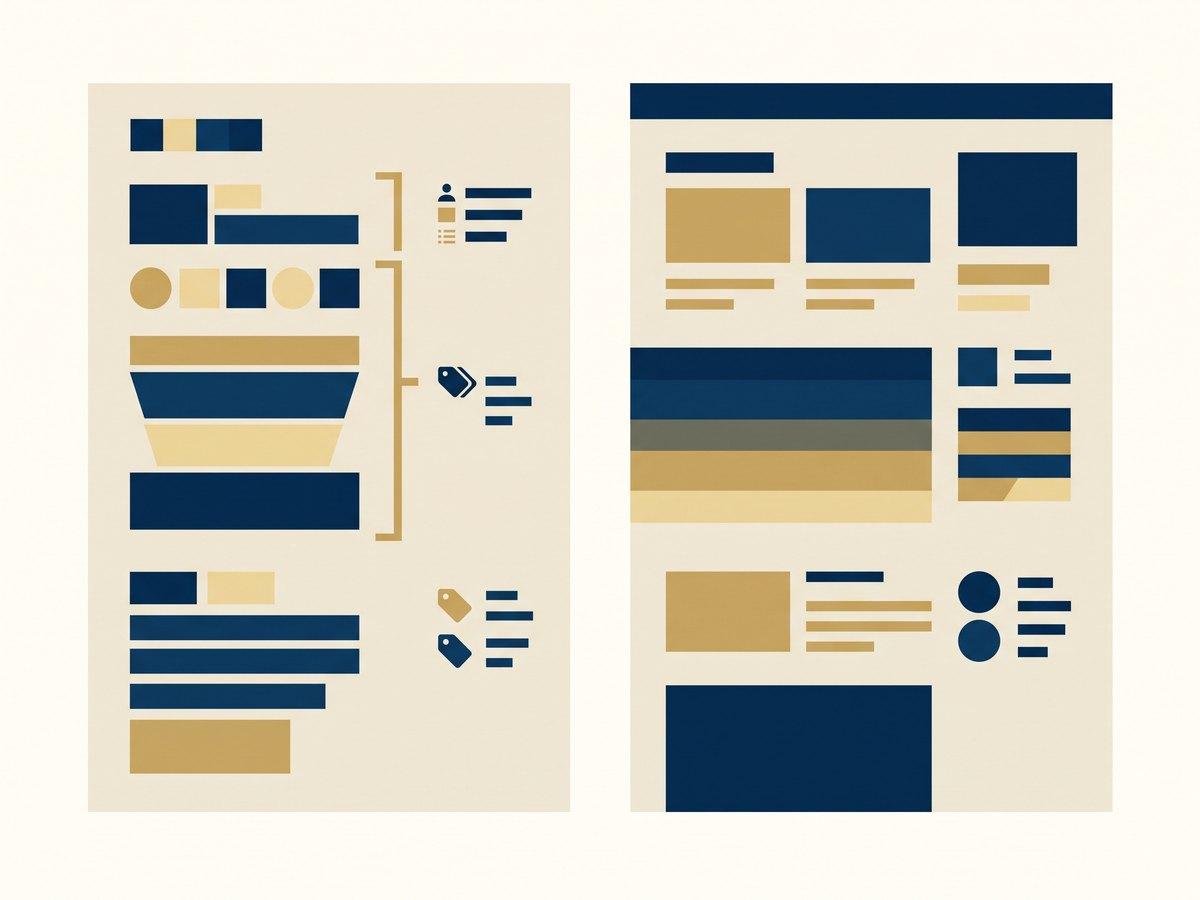
Treat the design as a fixed requirement and the theme as the deliverable. You rebuild the templates on a current theme architecture (JSON templates, sections with schemas, section groups, app blocks) and you port the existing look across section by section, changing nothing a shopper can see. What makes it work is the constraint: every judgment call is settled by "what does the live site do?", which is the fastest decision-making in web development. What makes it fail is discovering halfway through that the design was never the thing anyone wanted to keep.
IN SHORT
- A theme migration without a redesign swaps the architecture and keeps the rendered output, so the review question is always "does this match live?" rather than "is this better?".
- Theme editor customizations only carry across automatically when you update the same theme to a new version. Shopify states that code edits may or may not merge, and tells you which happened.
- Moving to a different theme carries nothing: settings live in
settings_data.jsonagainst that theme’s ownsettings_schema.json, so they have to be re-entered or scripted. - JSON templates are wrappers for sections, and Shopify documents the ceilings: 25 sections per template, 50 blocks per section, 1,000 JSON templates per theme.
- A template is JSON or Liquid, not both, so the migration is a per-template decision rather than a global switch.
- Apps that use app blocks survive the move because merchants place them; apps that were pasted into your Liquid do not, and each one needs finding before cutover rather than after.
- If a redesign is coming within the year, do not migrate first. You will pay for the same templates twice.
What you are actually buying
Nobody wakes up wanting a theme migration. They want the three things it produces, so name them, because “we upgraded the theme” is not a sentence that survives a budget meeting.
Changes stop being risky. The reason a six-year-old theme takes four days to change is not that Liquid is hard. It is that four agencies have edited it, nothing is isolated, and every change might break something unrelated. A theme built as sections with their own schemas is a set of small, independently testable units. The work after the migration is faster forever, which is the entire financial case.
Merchandisers stop queuing. JSON templates let a merchant add, remove and reorder sections in the theme editor, and section groups extend that to the header and footer. Work that used to be a developer ticket becomes an afternoon in the admin. This is usually the benefit that is felt first.
Apps stop touching your code. Apps built as theme app extensions expose app blocks a merchant places in a section. Uninstalling one removes it. Compare that with the current state of most old themes, where uninstalling an app leaves its script behind and nobody is confident enough to delete it.
None of that is visible in a screenshot, which is why this project needs to be sold on the maintenance bill rather than the look.
What does not come with you
The most common misconception is that settings travel. They do not, and there are two cases to keep apart.
Updating the same theme to a newer version. Shopify’s documentation is clear that customizations made in the theme editor are copied over and applied to the updated theme. That covers settings, layout, sections and blocks, new templates, app embeds and content edits. Code changes are attempted and may not succeed: you get either “code edits successfully included” or “code edits could not be included”, and in the second case you are copying them across by hand.
Moving to a different theme. Nothing is copied. A theme’s settings live in settings_data.json, which is only meaningful against that theme’s own settings_schema.json. Different theme, different schema, different keys. Every color, font, layout toggle and section arrangement is re-entered, by a person or by a script you write against the new schema. For a store with a hundred customized templates, this is the line item people forget.
Three other things to inventory before you start:
- Every app that injects code into the theme needs an app block equivalent, a manual re-add, or a decision to drop it, and you want that list before cutover, not from a support ticket after it.
- Every custom template variant in use. A template exists as JSON or Liquid, not both, so each one is a decision: port it to sections, or keep it as Liquid because it does something sections cannot.
- Anything reading a metafield or metaobject: that content is stored outside the theme and survives the move, which makes it the cheapest part of the migration, and a good argument for moving more content there while you are in here anyway.
Every color, font, layout toggle and section arrangement is re-entered, by a person or by a script you write against the new schema.
The method that keeps it from becoming a redesign
The discipline is procedural, not aesthetic. Four rules do most of the work.
Freeze the design in writing on day one. Not “we will keep it broadly the same”: a statement that the live site is the specification and any deviation needs a named person to approve it. Without that sentence, every section gets a five-minute conversation about whether the spacing could be a bit better, and forty sections later you have redesigned the site by accident, at redesign prices, with nobody having decided to.
Port template by template, starting with the highest traffic. Home, product, collection, then the long tail. Each one goes onto an unpublished theme and gets compared with live at three widths. A section is done when the comparison is boring.
Build the schema for the merchandiser, not for the port. This is the one place to spend extra thought. It is tempting to hard-code the current content into a section and move on; the point of the exercise is that the section is configurable afterwards. Shopify’s limits are generous but real (25 sections in a template, 50 blocks in a section, max_blocks settable lower if you want a tighter cap) and they are a useful discipline against building one section that does nine jobs.
Keep a single list of accepted differences. There will be some: a plugin that no longer exists, a layout that was broken at 1024px, a hover state nobody can reproduce. Write each one down as it appears and get it signed off. A short list of deliberate differences is a successful migration. An unwritten pile of small ones is an argument in the launch meeting.
The exceptions worth making, and the ones not to
Absolute pixel parity is the wrong target, because some of what you are copying is a defect. Two categories are worth changing while you are in the code, because doing them later means touching every template again.
Accessibility and semantics. If the old theme shipped div-based buttons, unlabeled form fields or a heading order that starts at h3, fix it. It does not change the design and it is cheaper now than as a separate project.
Layout stability and image handling. Correct sizing, width and height attributes, and lazy loading below the fold. Again invisible when it works, and the alternative is re-editing every section you just wrote.
What not to change: anything a shopper would notice. Color, type scale, copy, the order of elements on a product page, the number of steps in the cart. Not because those are sacred, but because the moment one of them changes, your before-and-after comparison stops being a test. If conversion moves after launch and you changed the button color, you cannot tell whether the migration broke something. Parity is what makes the launch measurable.
When not to do this at all
Two cases where the right answer is to keep your money.
The theme works and nobody is blocked. A theme that is three years old, tidy, and lets your team ship is not a problem waiting to happen. Migrate when the maintenance cost is visible in your roadmap (changes taking days, developers refusing to touch a file, apps that cannot be installed), not because a newer architecture exists.
A redesign is coming within twelve months. Then do not migrate first. You would build every template twice, and the second build discards the first. Bring the redesign forward and land both in one project, with the architecture work invisible inside it.
The middle case (the design is broadly right, the code is the constraint, and there is no redesign budget approved) is exactly where this project earns its keep. That is most of the theme work we are asked for: the site does not need to look different, it needs to stop being expensive to change.
One last thing about the launch. Because nothing visible changed, nobody will congratulate you, and a month later somebody will ask what the project delivered. Keep the numbers that answer that: time to ship a landing page before and after, developer hours per change, and how many apps you removed on the way through.
Questions this raises
Will my theme settings transfer to a new theme?
No. Settings are stored in `settings_data.json` and only mean anything against the same theme’s `settings_schema.json`. Moving to a different theme means re-entering every setting, or scripting it against the new schema. Updating the same theme to a newer version is different. Shopify copies theme editor customizations across automatically.
Do I have to convert every template to JSON?
No, and you should not assume you want to. A template is JSON or Liquid, not both, so each one is its own decision. JSON templates are wrappers for sections and give merchants control; a template doing something highly bespoke may be better left as Liquid. Convert the ones merchandisers want to edit.
What happens to my apps during a theme migration?
Apps that use app blocks are placed by the merchant in the theme editor and are straightforward to re-add. Apps that were installed by pasting code into your Liquid will not come across at all. Inventory them before you start. The surprise ones are usually analytics, reviews and popups.
How long does a theme migration without a redesign take?
It scales with the number of distinct templates and custom sections, not with the number of products. A reliable estimate comes from counting them (which templates, which sections, which apps touch the code), and any quote given before that count is a guess.
Can I migrate gradually rather than all at once?
You build gradually on an unpublished theme, but you publish once. There is a single live theme, so the cutover is a moment, not a phase. What you can stage is what happens after: launch at parity, then release the improvements the new architecture makes possible, one at a time, each measurable on its own.
Should I move to Dawn or keep my current theme family?
Dawn is a reasonable base if your design is straightforward and you want the smallest amount of code to own. If your current theme has behavior you rely on and it is maintainable, updating it in place is cheaper. The decision should follow from the inventory of what you need to keep, not from a preference for a starting point.
Read next
General information, not legal, tax or financial advice. Rates, limits and deadlines come from the vendors and authorities named, and they change: check the linked source before relying on one.
PART OF OUR SERVICE
Build a Shopify store worth the traffic you send it
New stores, themes and design-to-Shopify builds
NEXT STEP
Free store audit
A senior Shopify engineer reviews your storefront, theme performance and checkout, then sends a prioritized list of fixes.
